- Wix is the best free website builder overall for beginners and small businesses in 2026
- Free website builders come with subdomains, platform ads, and limited SEO controls unless you upgrade
- You can build a 100% free website but a custom domain always costs money, usually around $10 to $14 per year
- ChatGPT cannot build and host a complete website on its own but it can help you write content and structure pages
- GoDaddy has a free plan but its SEO limitations make it unsuitable for anyone who wants Google traffic
1 What Is a Free Website Builder and Who Actually Needs One
Before comparing tools, let me be honest about something most guides skip entirely.
A free website builder is a platform that lets you create and publish a website online without paying monthly fees. You get a drag and drop editor, pre-designed templates, hosting, and a basic subdomain, all at zero cost. What you do not get is a custom domain name, full SEO control, or a completely ad-free experience.
That said, free website builders are genuinely useful for a specific group of people
- Beginners who want to practice building a website before committing to a paid plan
- Individuals who need a personal portfolio or hobby site with no commercial intent
- Small businesses testing whether a website generates enquiries before investing in hosting
- Students and freelancers building a quick one-page site to showcase their work
If you are a business owner who wants to rank on Google, attract customers, and build a professional online presence, a free plan will limit you in ways that matter. But if you are starting from nothing and want to learn, a free website builder is the smartest first step you can take.
In many years of doing SEO for businesses across multiple industries, I have seen both sides. Clients who started on free plans and grew into serious websites, and clients who stayed on free plans too long and wondered why Google was not sending them traffic. Understanding those limits upfront saves you months of frustration.
2 Is It Possible to Make a 100% Free Website
This is the most searched question about free website builders and the honest answer is: yes and no.
You can absolutely build and publish a website without spending a single dollar. Every platform in this guide lets you do exactly that. Your site will be live on the internet, accessible to anyone with the link, and functional enough for most basic purposes.
But here is what free actually means in practice
Your website address will look like this: yourname.wixsite.com or yourname.godaddysites.com. Not yourname.com. The custom .com domain always costs money, typically $10 to $14 per year from registrars like Namecheap or GoDaddy.
Your website will display the platform's branding somewhere on your pages. Wix places a visible banner at the top. GoDaddy adds a strip at the top of every page. Weebly shows a footer ad. These are not subtle. Visitors see them.
Your SEO options will be restricted. On most free plans you cannot edit image alt tags, set canonical URLs, or fully control how Google indexes your pages. This directly impacts your ability to rank in search results.
So a 100% free website is real. A 100% free professional website that ranks on Google and looks like a credible business is not realistic without at least a custom domain and a basic paid plan.
The good news: most premium plans on these platforms cost between $3 and $17 per month. That is less than two cups of coffee.
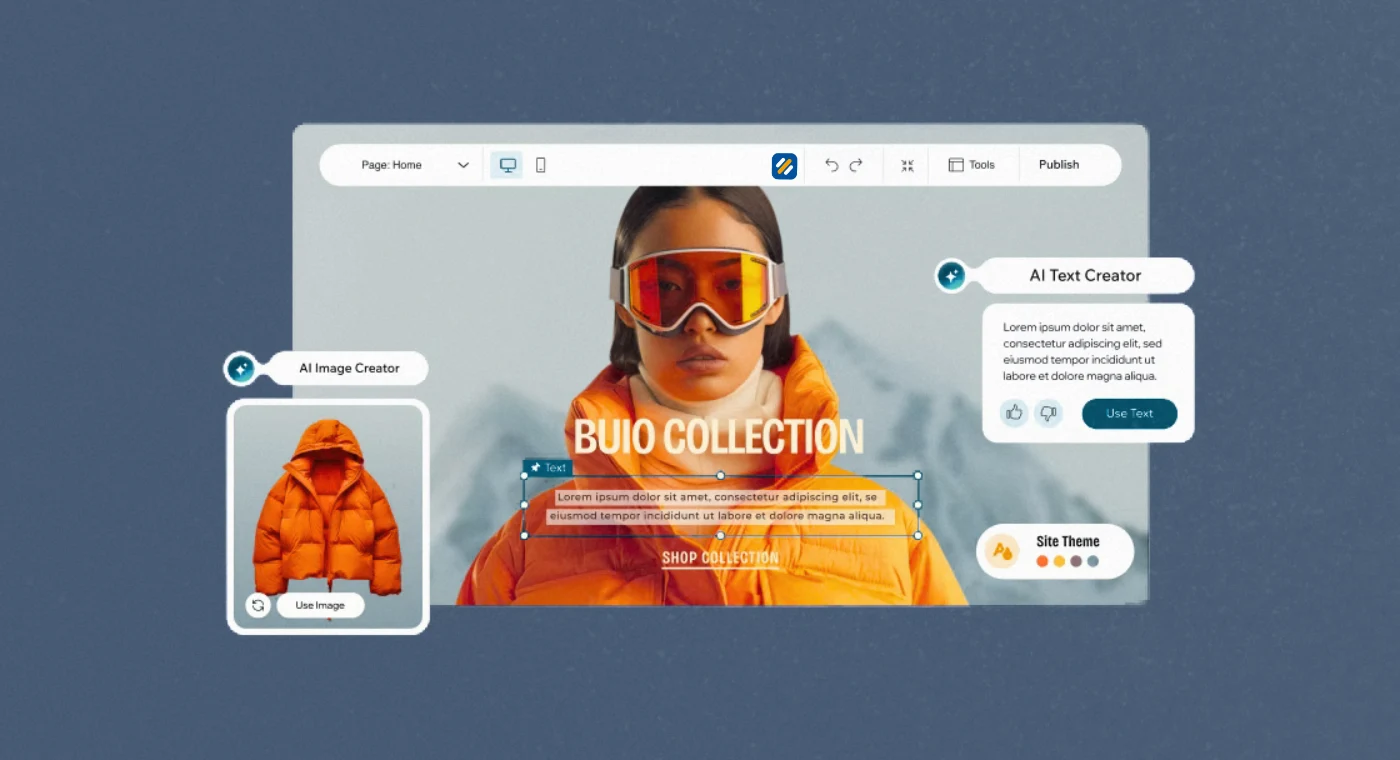
3 The 8 Best Free Website Builders Compared in 2026
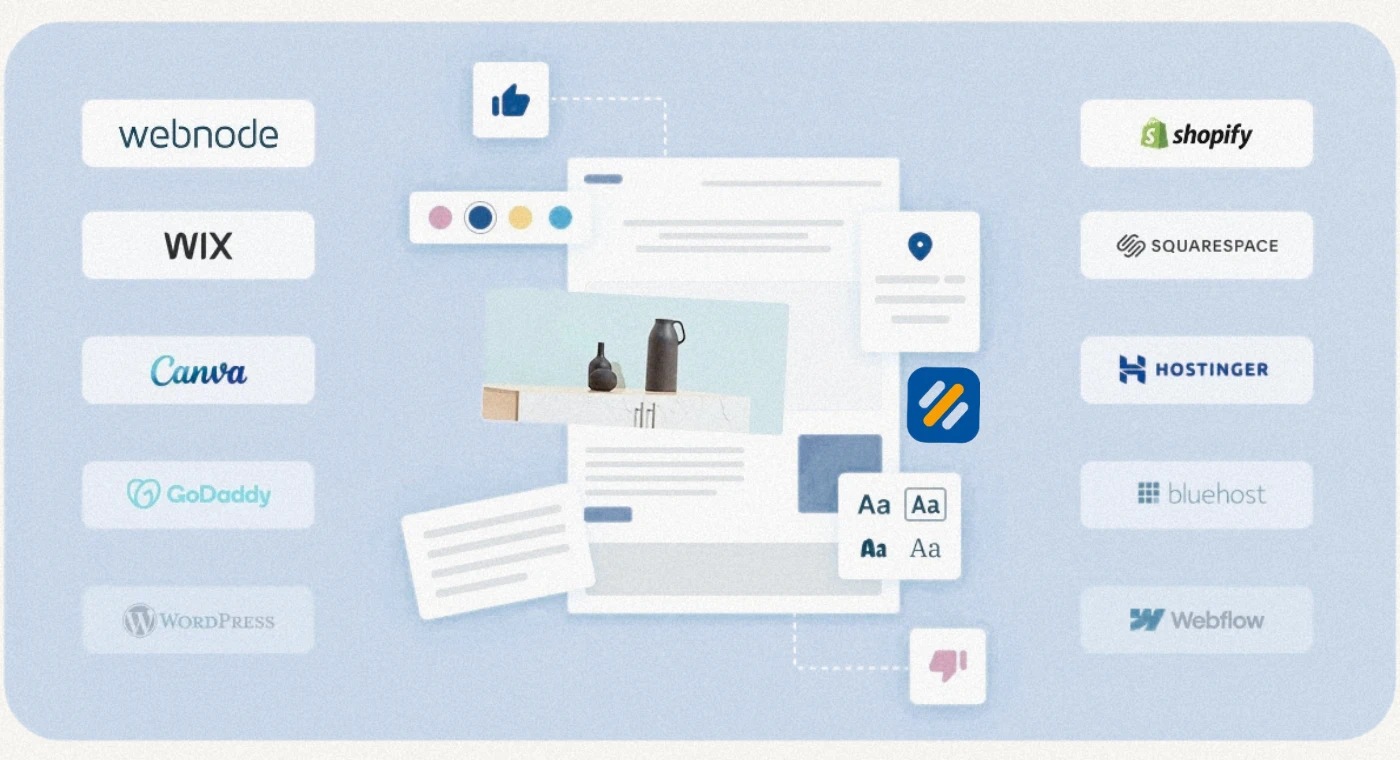
After reviewing over a dozen free website builders and working with clients who have used most of them, here is my honest assessment of the best options in 2026:
| Platform | Best For | Free Subdomain | Storage | Platform Ad | SEO Control | Paid Plans Start At |
|---|---|---|---|---|---|---|
| Wix | Overall best, most features | yourname.wixsite.com | 500 MB | Visible header banner | Full SEO control | $17/month |
| Weebly | Beginners, basic ecommerce | yourname.weebly.com | 500 MB | Footer ad | Good SEO options | $10/month |
| WordPress.com | Blogging only | yourname.wordpress.com | 1 GB | Yes | Very limited | $4/month |
| GoDaddy | Absolute beginners | yourname.godaddysites.com | Unlimited | Top banner | Severely limited | $9.99/month |
| HubSpot | Business websites, lead generation | yourname.hs-sites.com | Unlimited | Small footer | Full SEO control | $25/month |
| Webnode | Clean templates, multilingual | yourname.webnode.com | 100 MB | Obtrusive banner | Good | $4.50/month |
| Jimdo | Fast setup, AI powered | yourname.jimdofree.com | 500 MB | Small footer | Limited | $11/month |
| Google Sites | Internal use, Google Workspace users | sites.google.com/view/name | Unlimited | None | No SEO settings | N/A |
4 Wix | The Best Free Website Builder for Beginners and Small Businesses
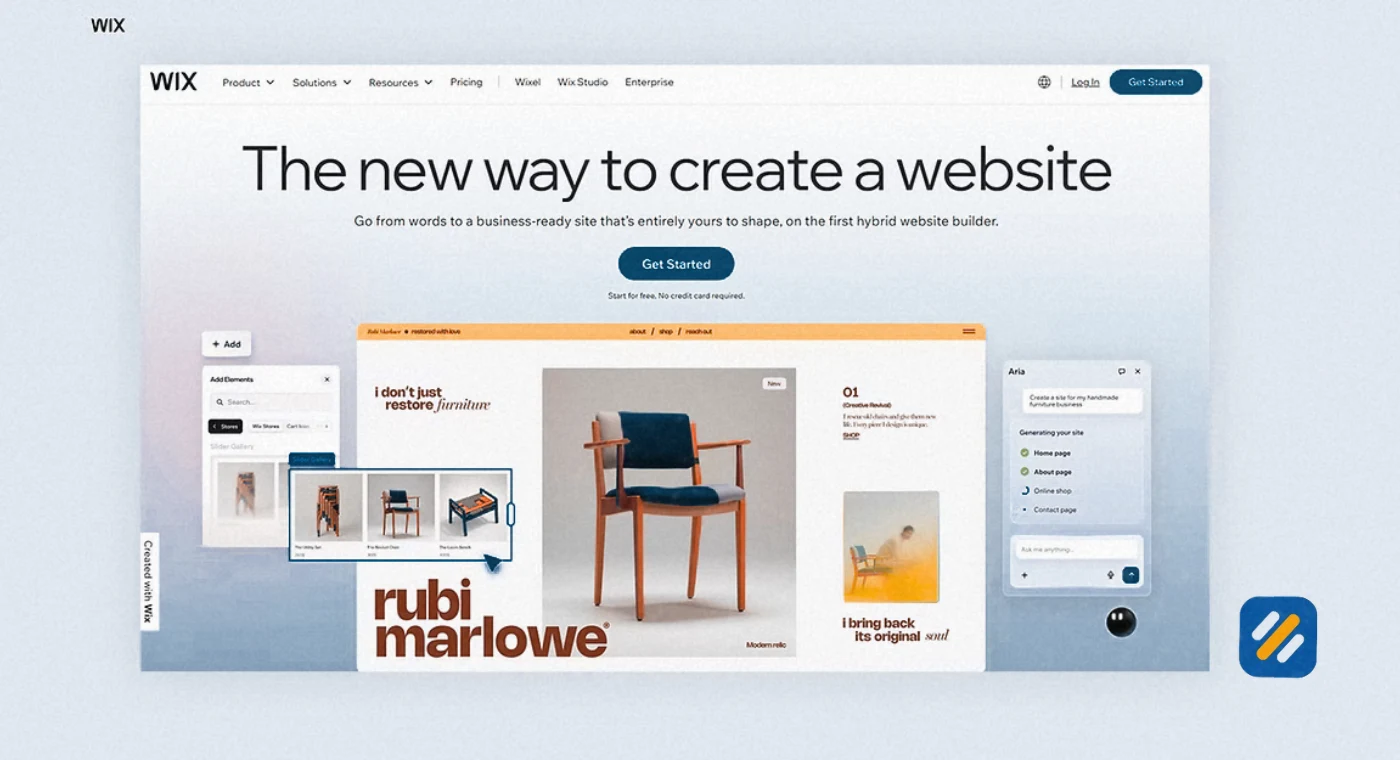
Wix consistently ranks as the best free website builder and for good reason. It gives you more features on its free plan than almost any competitor, including access to over 900 professionally designed templates, a drag and drop editor, an AI assistant called Astro, and full SEO customization settings.
What makes Wix genuinely powerful for beginners is its flexibility. You are not locked into a rigid structure. You can move any element anywhere on the page, add widgets from its app marketplace, and build anything from a simple portfolio to a multi-page business website.
The limitations on the free plan are real but manageable. You get a Wix subdomain instead of a custom domain. A visible Wix banner sits at the top of every page on desktop. Storage is capped at 500 MB. You cannot sell products through a store on the free plan.
What Wix free gives you that competitors do not:
- Full access to SEO settings including title tags, meta descriptions, and alt text
- AI-powered website creation that builds a draft site based on your answers
- App marketplace with free integrations for booking, forms, and live chat
- Multilingual capabilities on the free plan
If you are building a website for free and want to eventually upgrade to something professional, Wix is the platform most worth starting on because the learning curve is low and the upgrade path is smooth.
5 GoDaddy | Is It Really Free and Is It Worth Using
GoDaddy is one of the most recognised names in web hosting and domains globally. Its website builder has a free plan, which is what brings most beginners to it. But the reality of GoDaddy's free plan is more complicated than the advertising suggests.
Yes, GoDaddy's website builder has a free tier. You can sign up, choose a template, and publish a basic website at zero cost. The free plan includes a blog, appointment scheduling, email marketing integration, and unlimited storage. For a complete beginner who just wants something live on the internet today, it works.
Here is the problem for anyone who wants Google traffic. GoDaddy's free plan has severely restricted SEO options. You cannot edit image alt tags or keywords without upgrading to a higher paid plan. For an SEO professional, this is a dealbreaker. For a beginner who plans to rely on Google for customers, this is a serious limitation that will cost them visibility.
GoDaddy free plan | the honest summary:
- Good for: absolute beginners, people who only need a basic online presence
- Bad for: anyone who wants Google rankings, full design control, or a professional custom domain from day one
- Free subdomain format: yoursite.godaddysites.com
- Platform ad: prominent banner at the top of every page
- SEO verdict: avoid if rankings matter to you
GoDaddy is really free in the sense that you pay no money. It is not free in the sense that your SEO opportunities are significantly restricted compared to Wix or HubSpot on their free tiers.
6 Is Wix Totally Free | What the Fine Print Actually Says
Wix markets itself heavily as a free website builder and technically it is. You can sign up and publish a website without entering a payment card. But there are things the homepage does not emphasise that every beginner should know before committing.
What you get for free on Wix
- Full drag and drop editor with 900+ templates
- Hosting on Wix servers
- Free SSL certificate
- Full SEO settings including title tags, meta descriptions, and image alt text
- 500 MB storage and 1 GB bandwidth per month
- Access to basic apps from the Wix App Market
What you do not get for free on Wix:
- A custom domain name. Your site lives on yourname.wixsite.com
- An ad-free experience. A visible Wix banner appears at the top of your site on desktop
- The ability to accept online payments through a store
- Priority customer support
- Premium apps and integrations
The free plan is genuinely useful as a starting point. Wix is completely free to try for as long as you want. You only need to upgrade when you want a custom domain, an online store, or to remove the Wix branding.
For most small businesses, the Light plan at $17 per month is the minimum sensible investment because it removes the ad, connects a custom domain, and makes the site look professional to visitors.
7 Can ChatGPT Build a Website for Free
This is a question that has exploded in search volume since 2023 and the answer requires a nuanced explanation rather than a simple yes or no.
ChatGPT cannot build and host a complete, live website by itself. It is a language model. It does not have the ability to register a domain, connect to a hosting server, or publish files to the internet on your behalf.
What ChatGPT can do is help you build a website faster and better when combined with a free website builder. Here is exactly how:
Where ChatGPT genuinely helps in website creation:
Writing your homepage headline and tagline in 30 seconds instead of spending an hour staring at a blank editor. Ask it: "Write five homepage headlines for a plumbing business in Manchester targeting homeowners with emergency callouts."
Writing page content for your About, Services, and Contact pages. Give it your business details and it will produce clean, readable copy in your tone of voice.
Suggesting a website structure and which pages you need before you start building. Ask it: "What pages does a small bakery website need and what should go on each page?"
Writing SEO meta titles and descriptions for every page of your site.
Generating FAQ content that helps your pages rank in Google's People Also Ask section.
The honest answer: ChatGPT is a powerful assistant for website content and planning, not a website builder. Use it alongside Wix or Weebly, not instead of them. Together they are faster and more effective than either one alone.
8 Best Free Website Builder for Small Business | What to Actually Look For
Most "best of" lists just rank platforms by how much they pay in affiliate commissions. Here is what a small business owner should actually evaluate when choosing the best free website builder for small business use.
SEO capability on the free plan. If you want customers to find you through Google, you need to be able to set unique title tags, meta descriptions, and image alt text for every page. Wix and HubSpot give you this on the free plan. GoDaddy does not.
Mobile responsiveness without effort. Over 60% of web searches now happen on mobile devices. Every template on any serious free website builder is mobile responsive in 2026, but check how your chosen template actually looks on a phone before publishing. Some templates that look great on desktop become confusing on a small screen.
The subdomain situation. A URL like yourname.wixsite.com is acceptable for a temporary test site. It is not acceptable for a business card, a Google Business Profile, or a social media bio. If you plan to market your business seriously, budget for a custom domain from day one.
Storage limits that match your content. If your business relies on photography (food, fashion, real estate, events) you will hit 100 MB storage limits very quickly. Webnode's 100 MB free limit is not enough for a photo-heavy business website. Wix at 500 MB is better. GoDaddy at unlimited storage is generous.
The upgrade path. Choose a platform where the paid plan you will eventually need is affordable and includes what you actually need. Getting your website onto a free Wix plan and then discovering you need Wix's Business plan at $36 per month to get all the ecommerce features you need is a frustrating and expensive surprise.
9 Best Free Website Builders for SEO | Which Platforms Actually Help You Rank
Most free website builders hurt your SEO more than they help it. But some are significantly better than others and the differences matter if organic traffic is part of your growth plan.
| Platform | Custom Domain on Free Plan | Full Meta Tag Control | SSL Certificate | Sitemap Generation | Schema Markup Support | SEO Score for Free Users |
|---|---|---|---|---|---|---|
| Wix | No | Yes | Yes | Yes | Limited | Strong |
| HubSpot | Yes (unique) | Yes | Yes | Yes | Yes | Excellent |
| Weebly | No | Yes | Yes | Yes | Limited | Good |
| WordPress.com | No | No | Yes | Yes | No | Poor |
| GoDaddy | No | Paid plans only | Yes | Limited | No | Poor |
| Webnode | No | Yes | Yes | Yes | No | Moderate |
| Google Sites | No | No | Yes | No | No | Very Poor |
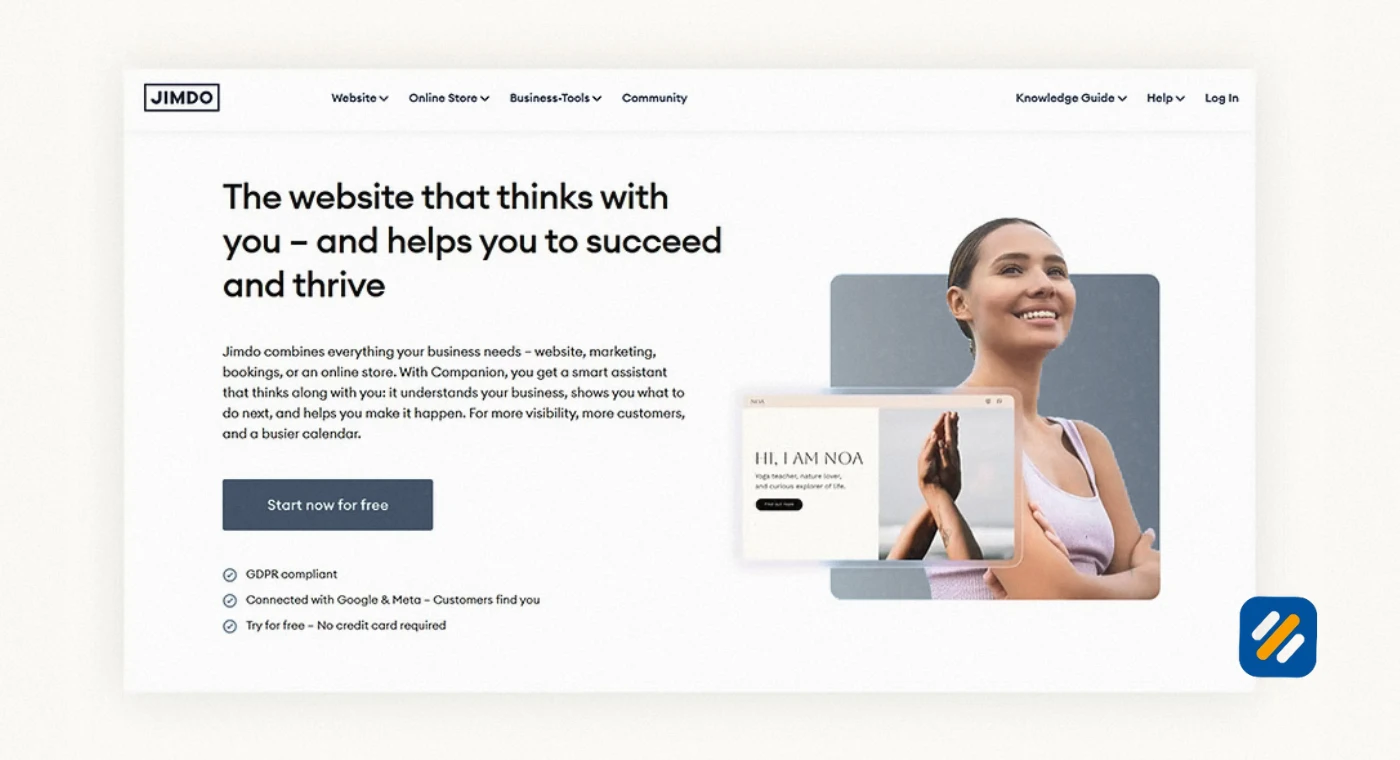
| Jimdo | No | Limited | Yes | Yes | No | Moderate |
HubSpot is technically the most SEO-capable free website builder because it is the only one that lets you connect a custom domain for free, gives you full meta tag control, and includes sitemap generation. The tradeoff is a steeper learning curve than Wix.
For most beginners, Wix on the free plan gives you enough SEO control to learn the basics and understand what you are working with. When you are ready to get serious about Google rankings, upgrading to a paid plan with a custom domain is the single most important step you can take.
10 How to Build a Free Website Step by Step
Building a website for free from scratch takes under two hours if you follow these steps in order.
Step 1: Choose your platform. For most beginners, start with Wix. Sign up at wix.com with your email address. No credit card required.
Step 2: Choose your template. Wix offers over 900 templates organised by industry. Pick one that matches your business type. Do not spend more than 15 minutes on this step. Templates are fully customisable. The one you choose is a starting point, not a permanent decision.
Step 3: Set up your key pages. Every website needs at minimum: Home, About, Services or Portfolio, and Contact. Build these four pages before adding anything else. Each page needs a clear purpose and a clear action for the visitor to take.
Step 4: Write your content before you design. Most beginners do this backwards. They spend hours adjusting fonts and colours before they have written a single word. Write your homepage headline, your About paragraph, and your services list first. Then fit the design around the content.
Step 5: Optimise your SEO settings. On Wix, click on each page and go to Page SEO. Set a unique title tag and meta description for every page. Add alt text to every image. Connect your site to Google Search Console through Wix's SEO dashboard.
Step 6: Publish and test on mobile. Before sharing your site with anyone, view it on your phone. Check that text is readable, buttons are large enough to tap, and images are not cropped awkwardly. Fix anything that looks wrong before you announce the site to the world.
11 The Hidden Downsides of Free Website Builders Nobody Tells You About
Every platform markets its free plan as generous. Here is what the marketing does not mention:
You do not own your website. Your content lives on the platform's servers under their terms of service. If Wix or Weebly changes its pricing or shuts down a plan, your website is affected. With a self-hosted WordPress site on your own hosting, you own everything.
Migrating off a free plan is painful. If you build 30 pages on Wix's free plan and then decide you want to move to WordPress, you cannot simply export your content and import it elsewhere. Most website builders use proprietary systems that do not transfer cleanly. You often have to rebuild from scratch.
Free subdomains do not rank well on Google. Google can and does rank subdomains, but they carry less authority than a dedicated root domain. A website at yourbusiness.com will almost always outrank the same content at yourbusiness.wixsite.com for competitive keywords because the root domain has cleaner signals and more link equity potential.
Platform ads reduce visitor trust. Research consistently shows that users notice and are put off by third-party branding on a business website. A Wix or Weebly banner at the top of your page sends a subtle signal that you have not invested in your own online presence. For service businesses where trust is everything, this matters.
12 3 Expert Tips for Getting the Most Out of a Free Website Builder
Tip 1: Use a free builder to learn, then upgrade before you market.
Build your website on a free plan, test your content, get comfortable with the editor, and make sure you are happy with the structure. But before you put the URL on your business card, LinkedIn profile, or Google Business listing, upgrade to at least a basic paid plan and connect a custom domain. First impressions online are permanent.
Tip 2: Treat your free website's SEO settings as if you had paid for them.
Even on a free plan, Wix gives you full access to title tags, meta descriptions, and alt text. Most free website users never touch these settings. Filling them in correctly from day one costs nothing and gives you a head start the moment you upgrade to a custom domain.
Tip 3: Use ChatGPT to write your website content before you open the builder.
Open ChatGPT, describe your business, and ask it to write your homepage headline, your About paragraph, your services list, and your contact page introduction. Then open your website builder with that content already prepared. You will build the site in half the time and end up with clearer, more professional copy than if you tried to write it inside the editor.
13 Conclusion
The best free website builder in 2026 is Wix for most people. It gives you the most features, the best template selection, full SEO control, and the smoothest upgrade path when you are ready to go professional.
But the honest truth is this. A free website is a starting point, not a destination. The moment you want Google traffic, a professional appearance, and a URL you can be proud of, you need a custom domain and at least a basic paid plan.
The total investment for a serious website is around $55 to $70 per year for hosting and a domain. That is less than most people spend on coffee in two weeks. For a business that could bring in clients worth hundreds or thousands of dollars, it is one of the smallest and smartest investments you can make.
Start free. Learn the platform. Then upgrade and build something that works for your business long term.
Have a question about which free website builder is right for your situation? Drop a comment below and I will give you a direct recommendation.
Join 1,000+ business owners and bloggers who get one actionable SEO tip every week — straight to their inbox. Free forever.
Get Free Weekly Tips →