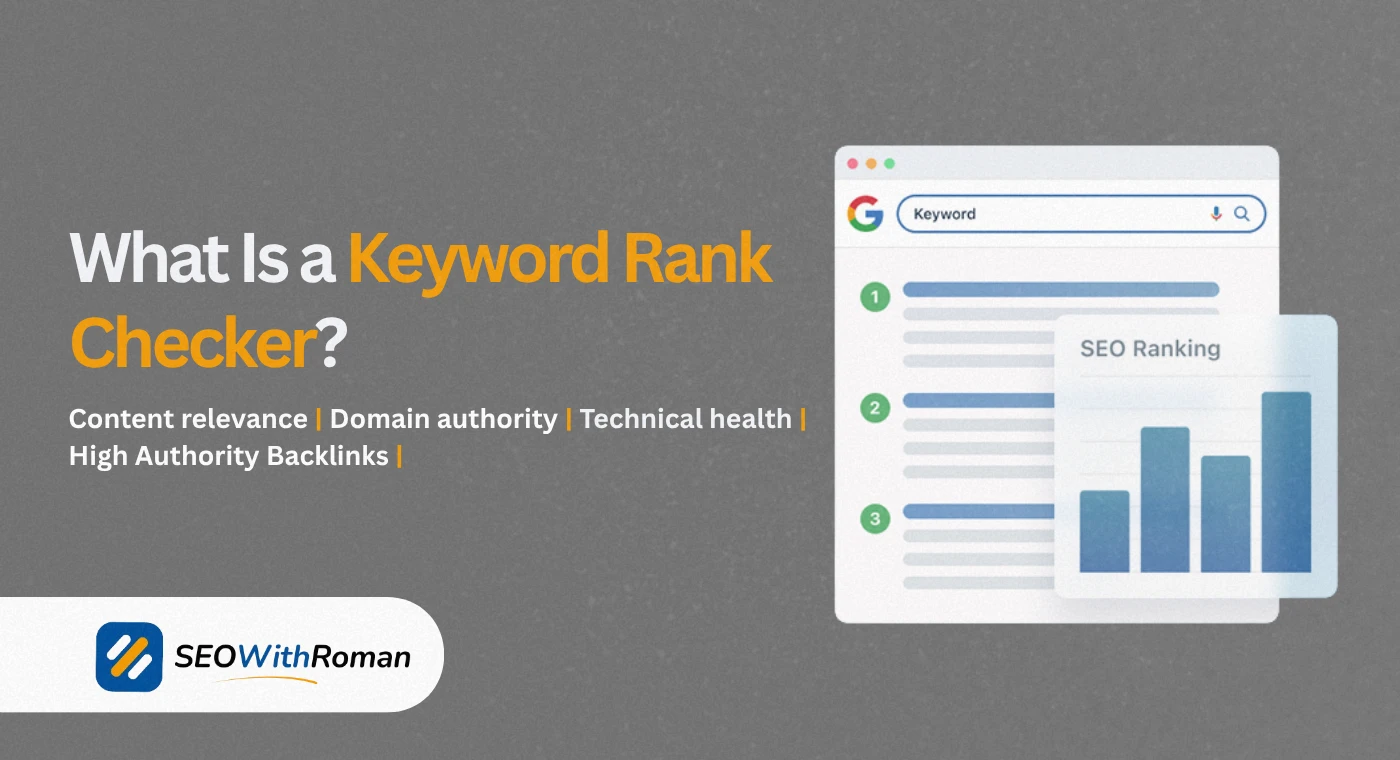
- A keyword rank checker shows you exactly which position your website holds on Google for any target keyword
- Tracking keyword rankings is the only reliable way to know whether your SEO strategy is actually working
- Free tools like Google Search Console, Ahrefs Webmaster Tools, and Ubersuggest let you track rankings without spending a penny
- Rankings fluctuate daily, so tracking weekly rather than daily gives you more meaningful trend data
- Competitor keyword rankings are just as important to track as your own, because they show you where your biggest opportunities are hiding
1 What Is a Keyword Rank Checker and Why Every Website Owner Needs One
Let me tell you something that most beginners discover too late.
You can spend months writing articles, optimising title tags, building backlinks, and improving your site speed. But without knowing where your keywords actually rank on Google, you are flying completely blind. You have no idea whether any of that work is paying off.
A keyword rank checker is a tool that tells you exactly which position your website holds in Google search results for a specific keyword. Type in your domain and a keyword, and the tool tells you whether you are ranking at position 1, position 47, or not appearing in the top 100 at all.
This is not just a vanity metric. Your keyword ranking position directly determines how much organic traffic your page receives. Research from Backlinko confirms that the first result on Google gets an average click through rate of 27.6%. Position two drops to 15.8%. By position ten you are getting under 2.5%. Below page one, traffic is effectively zero for most keywords.
In many years of managing SEO campaigns for clients across B2b, ecommerce, healthcare, and SaaS industries, I have never seen a successful SEO strategy that did not include regular keyword position tracking. It is the feedback loop that tells you what is working, what needs improvement, and where your next opportunity is hiding.
2 What Is Keyword Position and How Google Decides It
Before understanding how a keyword rank checker works, you need to understand what a keyword position actually represents and how Google assigns it.
A keyword position is the rank your webpage holds in Google's search engine results pages, referred to as SERPs, for a specific search query. Position 1 is the first organic result below any paid ads. Position 10 is the last result on page one. Position 11 is the first result on page two, where almost nobody looks.
Google does not assign positions randomly or permanently. It recalculates rankings constantly based on hundreds of signals evaluated every time someone performs a search. The position your page holds today may be slightly different tomorrow because Google is continuously reassessing which pages best serve each search query.
Here is what Google weighs most heavily when assigning keyword positions
Content relevance: Does your page fully answer the search query better than competing pages? Google compares content depth, structure, and topical coverage across all pages competing for the same keyword.
Page authority: How many high quality websites link to this specific page? Pages with stronger backlink profiles consistently hold higher positions for competitive keywords.
Domain authority: How trusted is your overall website? A page on a high authority domain starts with an advantage over the same quality content on a new website.
User experience signals: How long do users stay on your page after clicking from search results? High dwell time and low bounce rate signal to Google that your page satisfied the searcher's intent.
Technical health: Does your page load quickly and work properly on mobile? Core Web Vitals scores directly influence ranking positions for pages that are otherwise equally matched.
Understanding these factors is what separates SEO professionals who use rank tracking strategically from beginners who just check positions out of curiosity.
3 How a Keyword Rank Checker Works Behind the Scenes
Most users type a keyword into a rank checker and accept the result without understanding how the tool actually produces it. Knowing the mechanics helps you interpret results more accurately and avoid common misreading mistakes.
Here is what happens when you run a keyword rank check
Step 1: The tool sends an automated search request. The rank checker simulates a Google search for your target keyword from a specific location and device type. It sends this request through its own servers rather than from your personal browser, which is important because your personal Google search results are personalised based on your search history and location.
Step 2: The tool scrapes the SERP. The tool reads the search results page that Google returns and identifies the position of every ranking URL. It scans through results sequentially until it finds your domain or reaches the end of the tracked results, usually the top 100 positions.
Step 3: The tool returns your position. Once your domain is found in the results, the tool reports the position number. If your domain does not appear in the top 100, most tools report "Not in top 100" or a similar indicator.
Step 4: The tool stores historical data. Premium rank tracking tools save your position data over time, allowing you to see whether your rankings are improving, declining, or holding steady across days, weeks, and months.
This is why rank checker results can sometimes differ from what you personally see when you Google the same keyword. Your personal search results are filtered by your location, browser history, Google account data, and past search behaviour. A rank checker strips all of that away to show you the objective, unfiltered position.
4 Free vs Paid Keyword Rank Checkers | What You Actually Get
| Tool | Cost | Keywords Tracked | Update Frequency | Location Tracking | Competitor Tracking |
|---|---|---|---|---|---|
| Google Search Console | Free | Unlimited | Daily | Country level | No |
| Ahrefs Webmaster Tools | Free | Unlimited | Weekly | Country level | Limited |
| Ubersuggest Free | Free | Limited per day | Weekly | Country level | Basic |
| Ahrefs Rank Tracker | From $29/month | Up to 750 | Daily | City level | Yes |
| SEMrush Position Tracking | From $139/month | Up to 500 | Daily | City and device | Yes |
| Moz Pro | From $99/month | Up to 300 | Weekly | Country level | Yes |
| SERPWatcher by Mangools | From $29/month | Up to 200 | Daily | City level | Yes |
| Google Search Console | Free | Unlimited | Daily | Country level | No |
For a new website with a limited budget, Google Search Console combined with Ahrefs Webmaster Tools covers everything you need in the first twelve months. Both are completely free and together they give you reliable keyword position data, click through rate information, and impression counts for every keyword your site is ranking for.
5 How to Check Your Keyword Rankings for Free Step by Step
Here is the exact process I use to check keyword rankings for new client websites before recommending any paid tools
Method 1: Google Search Console
Google Search Console is the most accurate free keyword rank checker available because the data comes directly from Google itself. No third party estimation, no approximation.
To check your keyword rankings in GSC
Go to your Google Search Console dashboard and click Performance in the left sidebar. Select Search Results. You will see a table showing every keyword your website has appeared for in Google search results over the selected date range, along with your average position for each keyword.
Filter by page to see which keywords a specific article is ranking for. Filter by query to see the position history of a specific keyword. Set the date range to the last three months to identify trends rather than single-day fluctuations.
The average position column shows your mean ranking across all times Google showed your page for that keyword. A position of 8.3 means your page appears somewhere between position 7 and 10 on average, making it a strong candidate for optimisation to push into the top five.
Method 2: Ahrefs Webmaster Tools
After verifying your website in Ahrefs Webmaster Tools for free, navigate to Site Explorer then Organic Keywords. This report shows every keyword your website ranks for in the top 100 positions, along with the exact position, monthly search volume, and keyword difficulty score.
The advantage of Ahrefs over GSC is that it shows keyword difficulty alongside position, helping you identify which ranking improvements are achievable quickly and which will require more sustained effort.
Method 3: Manual Google Search in Incognito Mode
For a quick spot check on a specific keyword, open a private or incognito browser window, search your target keyword on Google, and manually count down to find your page. The incognito window removes personalisation from your results, giving you a cleaner view of where your page appears for a typical searcher.
This method works for individual checks but is not practical for tracking multiple keywords across a growing content library.
6 How to Track Competitor Keyword Rankings and Use the Data
One of the most powerful and underused features of keyword rank tracking is competitor analysis. Knowing where your competitors rank is just as strategically valuable as knowing where you rank.
Here is how I use competitor keyword rankings when building SEO strategies for clients
Find keywords your competitors rank for that you do not: Enter a competitor domain into Ahrefs free Webmaster Tools or SEMrush and look at their top organic keywords. Filter for keywords with search volume above 100 and difficulty below 30. Any keyword on that list where your website does not appear in the top 20 is a content gap opportunity.
Identify keywords where you are close behind a competitor: If your page ranks at position 8 and a competitor ranks at position 3 for the same keyword, that gap is closeable. Analyse their page carefully. Is it longer? Does it have more examples? More backlinks? More structured data? The answer tells you exactly what to improve on your own page.
Track competitor ranking movements after algorithm updates: When Google releases a major algorithm update, monitoring whether competitors gained or lost rankings tells you which direction the algorithm moved and what type of content it now favours or penalises.
| Competitor Tracking Action | What It Reveals | How to Act On It |
|---|---|---|
| Find their top ranking keywords | Content gap opportunities you are missing | Create better articles targeting those keywords |
| Compare positions on shared keywords | Where you are losing clicks to them | Improve content depth and backlink profile on those pages |
| Monitor their new ranking keywords | Topics they are investing in | Decide whether to compete or find adjacent opportunities |
| Track their position drops after updates | What Google is penalising in your niche | Avoid similar content patterns on your own site |
| Analyse their ranking pages structure | What format Google rewards in your niche | Model the structure without copying the content |
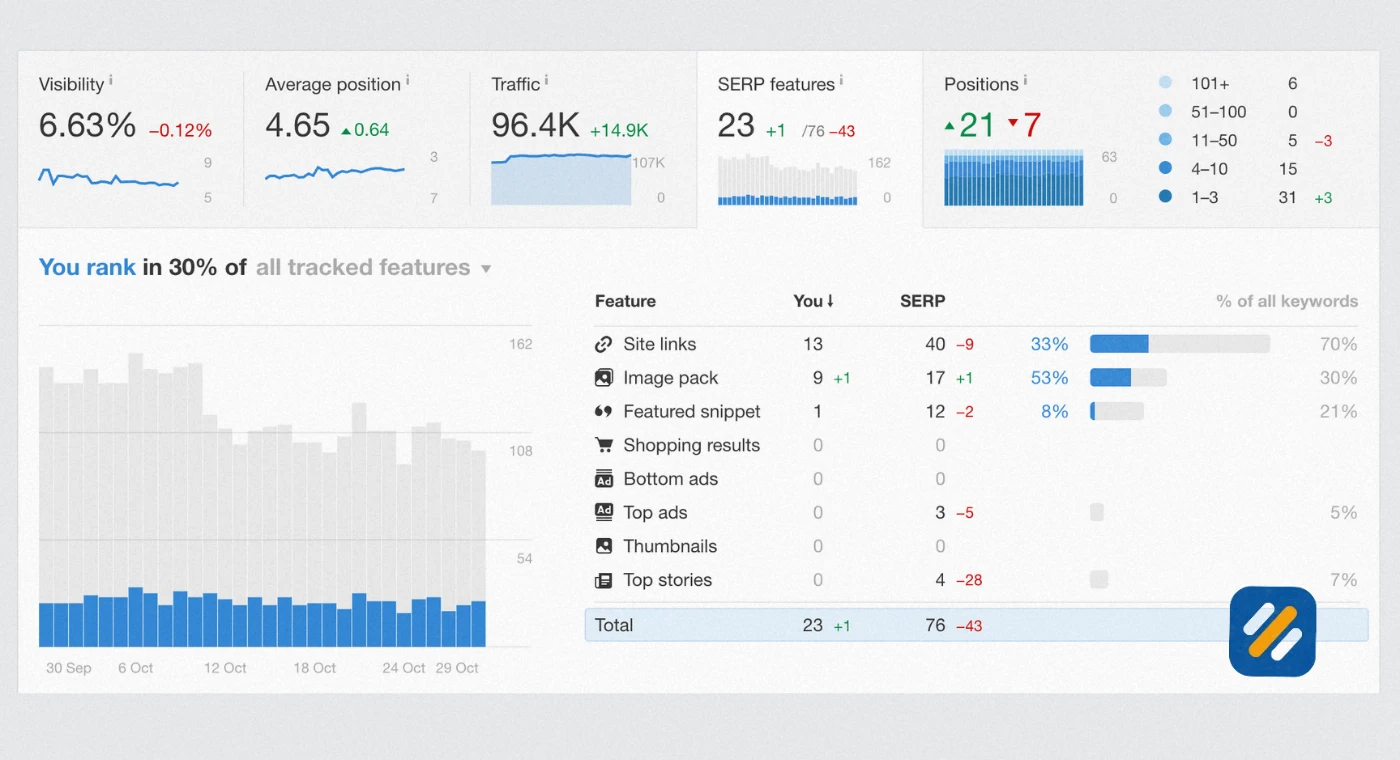
7 What Your Keyword Ranking Report Should Include and How to Read It
A keyword ranking report is only useful if you know how to interpret what it is showing you. Here is what every meaningful ranking report should contain and what each metric actually means for your SEO strategy:
Keyword. The exact search phrase your page is being tracked for. Always track the primary keyword you optimised the page for, plus two or three secondary keywords that appear naturally in the content.
Current position. Where your page ranks today for that keyword. A single position number without historical context tells you very little. Always compare current position to previous periods.
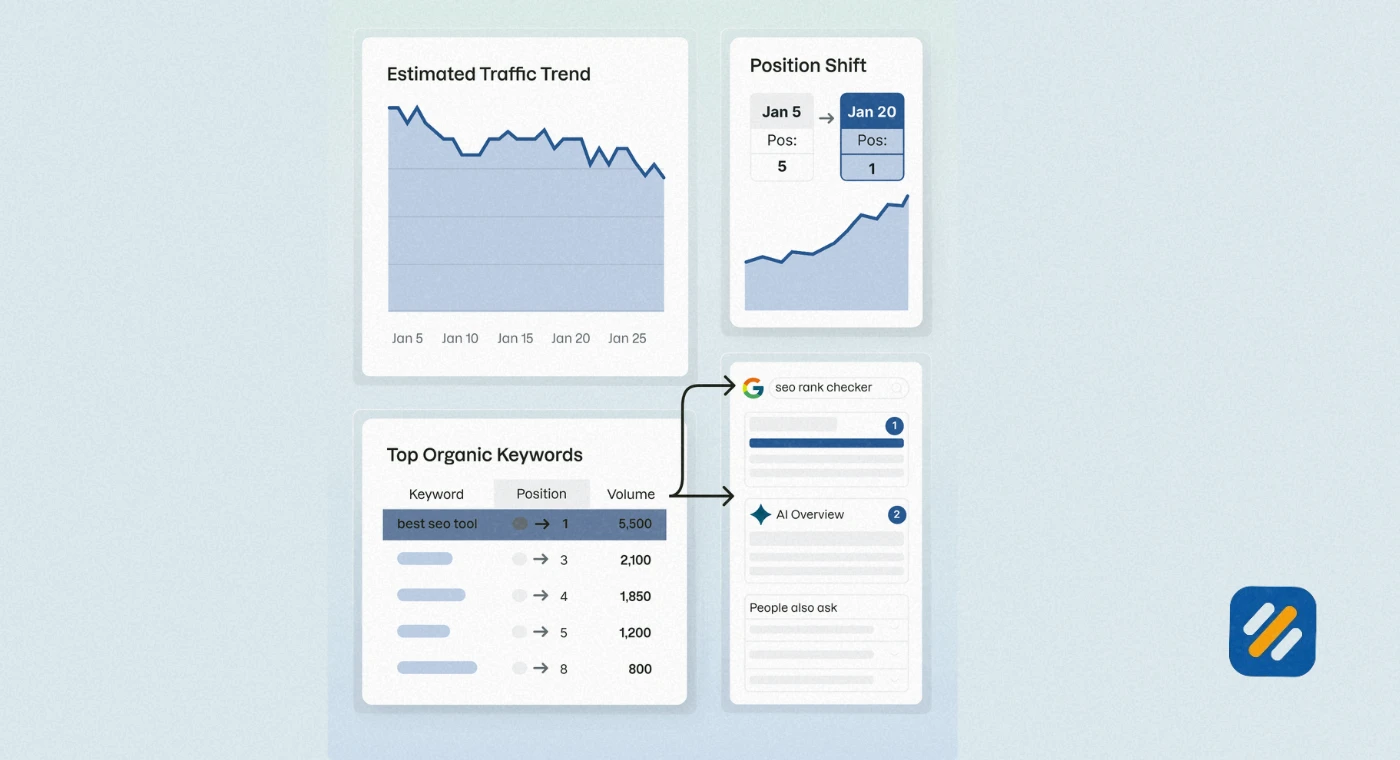
Position change. How much your ranking has moved since the last tracking period. A change from position 15 to position 8 is a significant improvement worth investigating to understand what caused it. A drop from position 4 to position 12 is a warning signal that needs immediate attention.
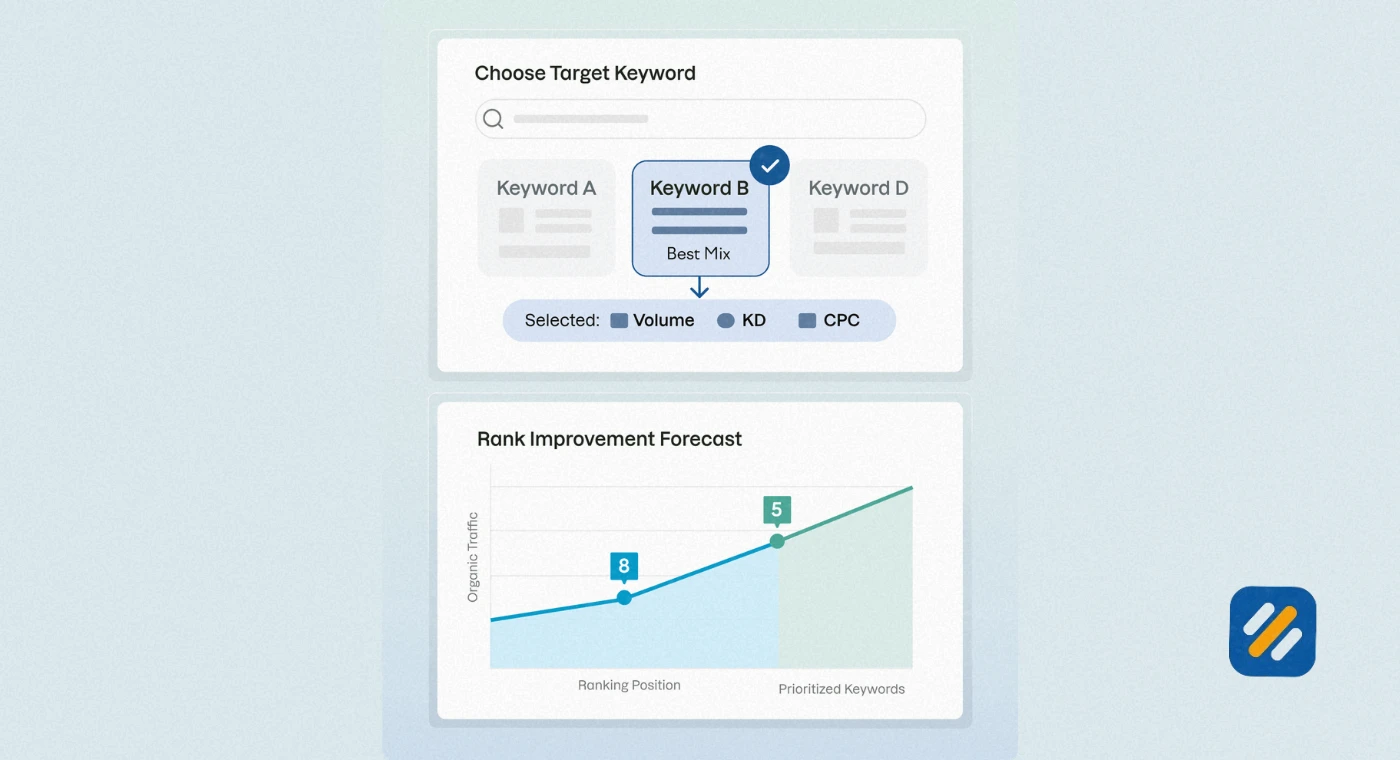
Search volume. How many times per month this keyword is searched in your target country. A keyword at position 1 with 50 monthly searches brings very little traffic. A keyword at position 8 with 5,000 monthly searches has enormous traffic potential if you can push it into the top three.
Estimated traffic. Some tools calculate an estimated monthly traffic figure based on your position and the keyword's search volume. This is the most directly actionable number in any ranking report because it connects position changes to actual business impact.
URL ranking. Which specific page on your website is ranking for the keyword. When the wrong page ranks for a keyword, meaning a page you did not optimise for that term, it signals a keyword cannibalism issue that needs to be resolved.
8 Why Your Rankings Fluctuate and How to Tell Normal from Alarming
New SEO practitioners often panic when they see their rankings move up and down from day to day. This reaction wastes time and leads to unnecessary changes that can actually destabilise rankings further.
Here is the truth about ranking fluctuations based on many years of monitoring client rankings across hundreds of keywords
Daily fluctuations of one to three positions are completely normal. Google constantly re-evaluates pages and minor position changes reflect this ongoing assessment. They are not a signal that anything has gone wrong.
Fluctuations of five to fifteen positions over a few days usually indicate that Google is actively testing your page against competitors. This often happens when you have recently published or updated content. Wait two to three weeks before drawing any conclusions.
A sudden drop of fifteen or more positions that persists for over a week is a genuine signal worth investigating. Common causes include a Google algorithm update, a new competitor publishing stronger content, a technical issue preventing proper crawling, or a manual penalty from Google.
A gradual decline of two to three positions per month over several months indicates content decay. Your page is ageing while competitors are publishing fresher, more comprehensive content on the same topic. The fix is a content update, not a new article.
9 3 Expert Tips for Getting More From Your Keyword Rank Tracker
Tip 1: Track at Weekly Intervals, Not Daily
Daily rank checking creates noise, not insight. Rankings move up and down constantly for reasons that have nothing to do with your SEO work. Weekly snapshots show you meaningful trends and save you from making reactive changes based on normal daily fluctuation.
Tip 2: Always Track the Keyword and the URL Together
A keyword ranking at position 5 is meaningless if the wrong page on your site is ranking for it. Always verify which URL Google is ranking for each target keyword. When the wrong page ranks, you have a keyword cannibalism problem that is suppressing both pages.
Tip 3: Set Up Ranking Alerts for Your Most Important Keywords
Most rank tracking tools allow you to set up email alerts when a keyword drops below a threshold position. Set alerts for any keyword currently ranking in your top five positions. A sudden drop on a high-value keyword needs attention within 48 hours, not discovered weeks later during a monthly review.
10 Conclusion
A keyword rank checker is not just a reporting tool. It is the feedback mechanism that connects every hour you spend on SEO to a measurable outcome you can track, improve, and build on.
Without rank tracking, you are investing time and effort into a strategy with no way to measure whether it is working. With it, every content decision becomes data-driven. You know which articles to update, which keywords to push harder on, and where your competitors are beating you and why.
Start with Google Search Console today. It is free, it is accurate, and it gives you more keyword ranking data than most beginners know what to do with. Once your website grows past fifty articles and you are managing rankings across multiple categories, consider upgrading to a dedicated rank tracker like Ahrefs or Mangools for daily updates and competitor monitoring.
Track your rankings consistently. Act on what the data tells you. And watch your SEO results compound over time.
Have a question about keyword rank tracking or a tool you are using? Drop a comment below and I will answer it personally.
Join 1,000+ business owners and bloggers who get one actionable SEO tip every week — straight to their inbox. Free forever.
Get Free Weekly Tips →