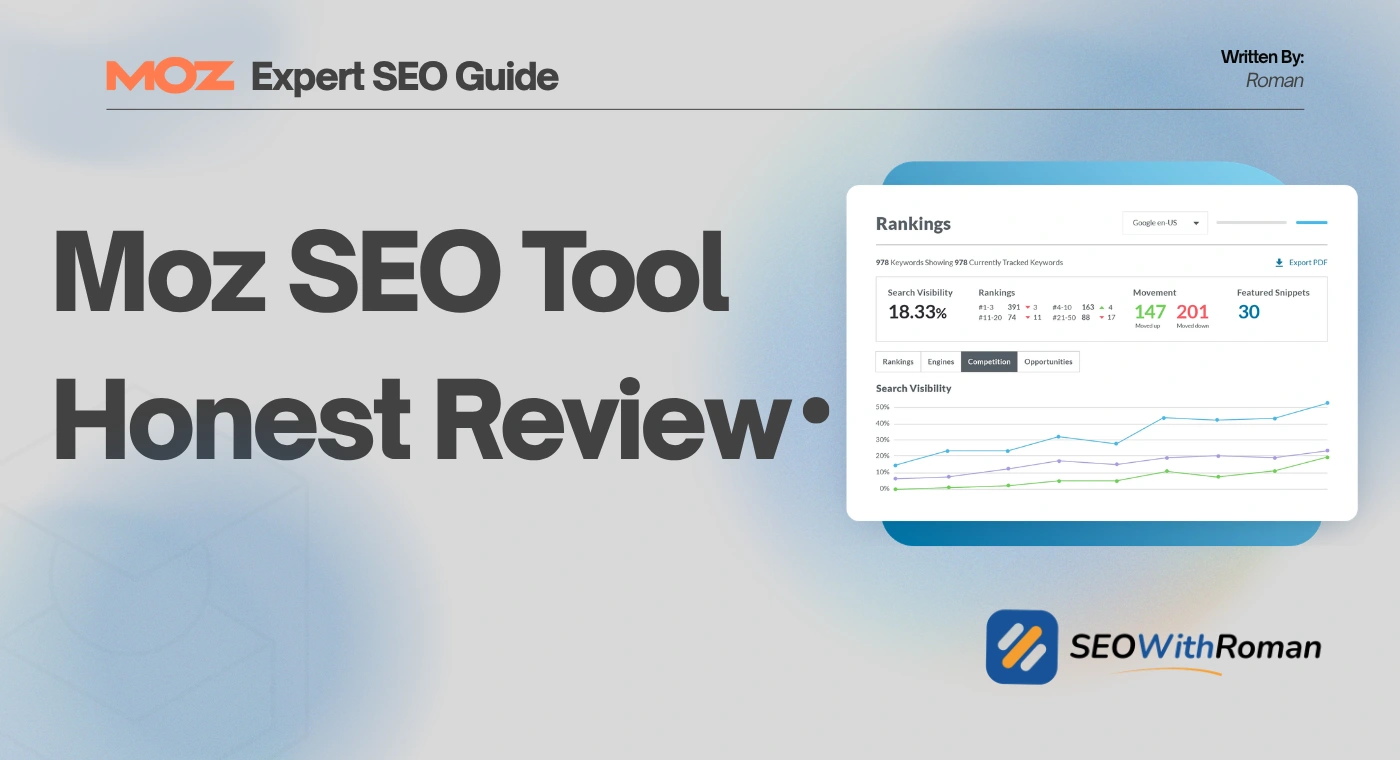
- Moz SEO tool is one of the most beginner-friendly SEO platforms available with both free and paid options
- Moz's Domain Authority metric is one of the most widely referenced scores in the entire SEO industry
- Moz Pro pricing starts at $49 per month with a 30-day free trial available on all plans
- The free MozBar Chrome extension gives instant SEO metrics on any webpage without logging in
- Moz is best suited for beginners and small businesses, while advanced users may need a more powerful platform
1 What Is the Moz SEO Tool and Why Do Millions of Marketers Use It
If you have spent any time researching SEO tools, you have almost certainly come across Moz. It is one of the most recognised names in search engine optimisation and for good reason.
Moz started in 2004 as a blog called SEOmoz, founded by Rand Fishkin and Gillian Muessig in Seattle, Washington. What began as a community forum for SEO practitioners quickly grew into one of the most trusted educational resources in digital marketing. By 2008 it had transitioned into a full SaaS platform, and by 2013 the name was shortened to simply Moz to reflect its broader direction beyond just SEO content.
Today Moz for SEO covers keyword research, backlink analysis, rank tracking, site auditing, on-page optimisation, and local SEO management. It is trusted by over 500,000 users globally and is particularly well regarded for making complex SEO tasks accessible to people without deep technical knowledge.
In many years of working across B2B, SaaS, and ecommerce SEO campaigns, I have used Moz alongside other tools for competitor research, domain authority checks, and on-page audits. It fills a specific role extremely well. This review covers everything you need to know before deciding whether it is the right tool for your website.
2 What Makes Moz Different From Other SEO Tools
Most SEO tools give you data. Moz gives you data plus education, and that combination is what made it the starting point for an entire generation of SEO professionals.
The Moz blog and Whiteboard Friday video series, where experts break down SEO concepts in plain English on a whiteboard, have educated more beginners than almost any other free resource in the industry. This commitment to teaching rather than just selling is baked into the tool itself.
Three things set the Moz SEO tool apart from competitors:
Domain Authority: Moz invented the Domain Authority metric, a proprietary score from 0 to 100 that estimates how likely a website is to rank in Google. While DA is not a Google ranking factor, it has become the industry standard for comparing website authority. Every SEO professional in the world uses it as a reference point even if they primarily use a different tool.
Beginner-friendly interface: Unlike some enterprise SEO platforms that require significant training to navigate, Moz is designed so that someone new to SEO can log in and start finding useful insights within minutes.
Free tools with real value: The MozBar browser extension, the free Keyword Explorer, and the Domain Authority checker all provide genuinely useful data without requiring a paid subscription.
3 Moz SEO Tool Features | A Complete Breakdown
Here is a clear breakdown of every major feature inside the Moz platform and what each one actually does for your website:
| Feature | What It Does | Best Used For |
|---|---|---|
| Keyword Explorer | Finds keywords with volume, difficulty, and CTR data | Planning blog content and targeting the right search terms |
| Link Explorer | Analyses backlink profiles for your site and competitors | Understanding your authority and finding link building opportunities |
| Domain Overview | Shows DA, PA, spam score, and top pages for any domain | Quick competitor research and prospecting |
| Rank Tracker | Monitors your keyword positions over time in Google | Measuring whether your SEO efforts are improving rankings |
| Site Crawl | Scans your website for technical SEO errors | Finding and fixing broken links, missing tags, and crawl issues |
| On-Page Grader | Scores individual pages and gives optimisation suggestions | Improving existing pages that are not ranking as well as they should |
| Keyword Gap | Compares your keyword rankings against competitors | Finding content gaps and topics your competitors rank for that you do not |
| MozBar | Free Chrome extension showing SEO metrics on any page | Quick research while browsing competitor sites or search results |
| Moz Local | Manages business listings across directories | Local businesses wanting consistency across Google Maps and directories |
4 MozBar: The Free Tool Every Beginner Should Install Today
Before spending a penny on any SEO tool, install MozBar. It is completely free and available on the Chrome Web Store.
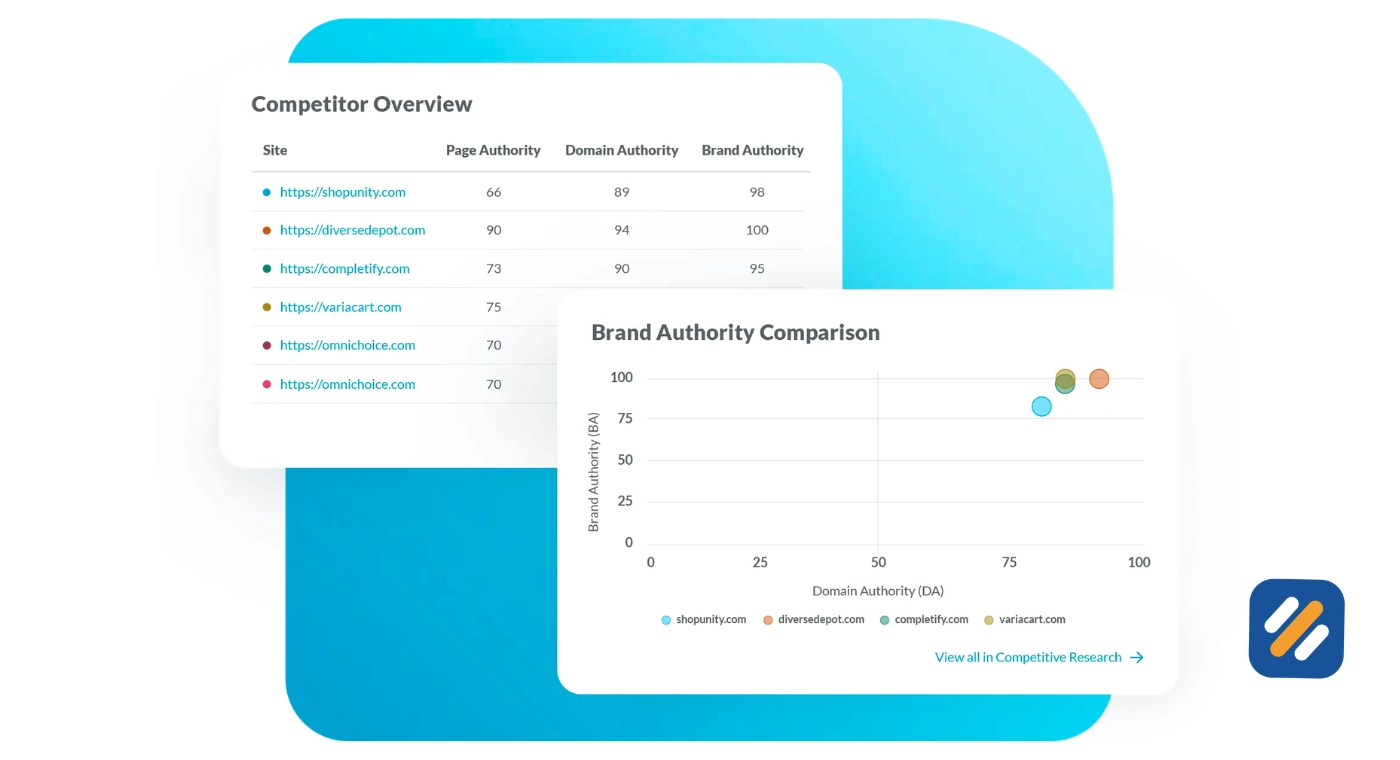
MozBar is a browser extension that displays real-time SEO data directly on every webpage you visit. The moment you land on a competitor's page or a Google search result, MozBar shows you the Domain Authority, Page Authority, and spam score without you needing to open a separate tool.
Here is what MozBar shows you for free:
- Domain Authority and Page Authority for every page you visit
- Spam score to identify potentially low-quality websites
- On-page elements including title tag or meta description, and heading structure
- Link metrics including follow and nofollow link indicators
- Keyword highlighting when you search in Google
For a beginner doing competitor research, the MozBar is an irreplaceable shortcut. When I am auditing a client website and want to quickly assess whether a competitor is worth targeting for backlinks, MozBar gives me the answer in seconds without leaving the page I am already on.
The free version has limitations but for daily research use it is one of the most practical free SEO tools available to anyone running a blog or small business website.
5 On-Page SEO Moz Grader | How It Helps You Optimise Every Article
One of the most practically useful features inside Moz Pro is the On-Page Grader. This is specifically where on-page SEO Moz becomes directly useful for content creators and bloggers.
You enter a URL and a target keyword. The On-Page Grader then analyses the page and gives you a score out of 100 along with specific recommendations for improvement.
It checks the following on-page elements:
- Whether your target keyword appears in the title tag
- Whether the keyword is present in the H1 heading
- Keyword usage in the body content and its density
- Presence of the keyword in the meta description
- Internal and external link quality
- Page load speed signals
- Content length compared to top ranking competitors for that keyword
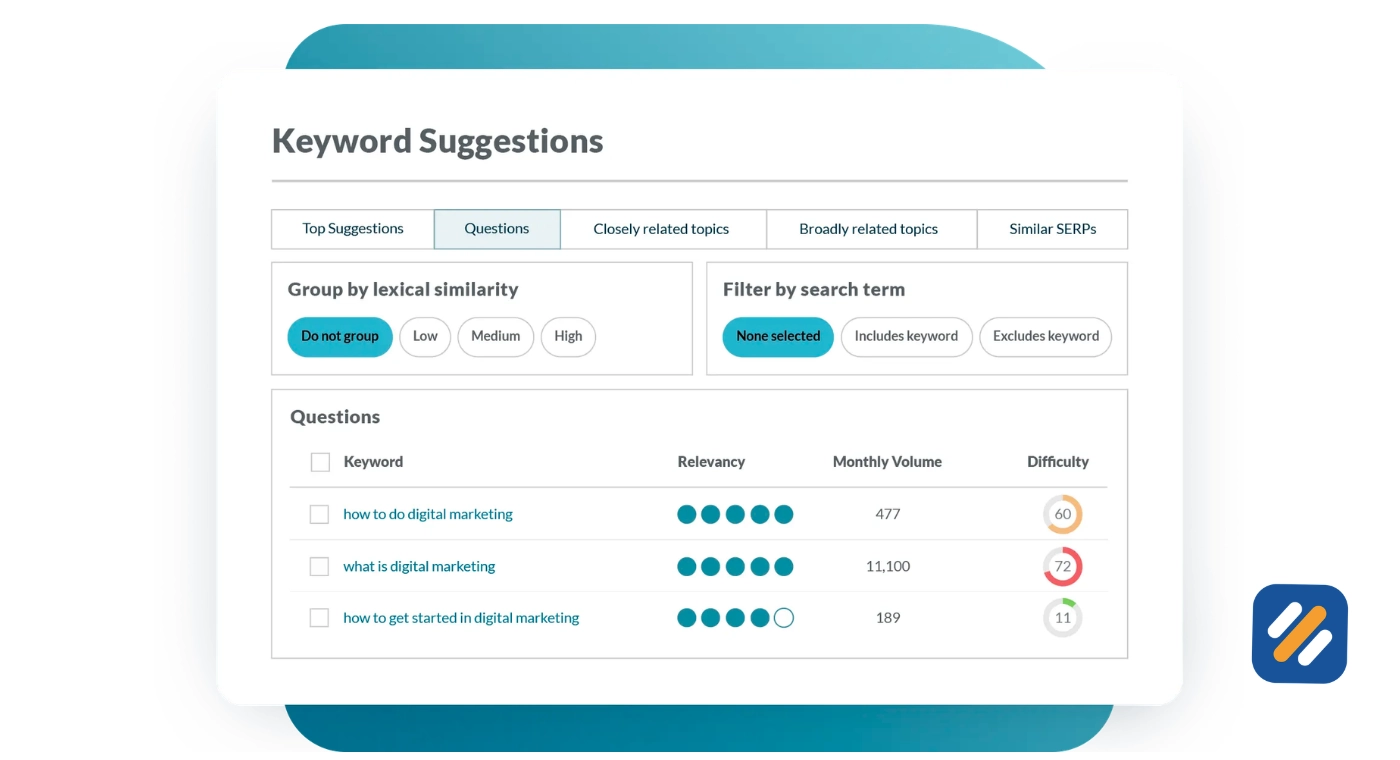
For a beginner who is not yet using Rank Math or a similar plugin, the Moz On-Page Grader is a straightforward way to understand what your page is missing before you publish. It does not replace a full on-page audit but it catches the most common mistakes that prevent pages from ranking.
Moz Pro Pricing — Every Plan Explained
Moz Pro offers four pricing tiers. All plans come with a 30-day free trial, which means you can test every feature before committing to a subscription.
| Plan | Monthly Price | Tracked Keywords | Pages Crawled Per Month | User Seats |
|---|---|---|---|---|
| Starter | $49 | 50 keywords | 20,000 pages | 1 user |
| Standard | $99 | 300 keywords | 400,000 pages | 1 user |
| Medium | $179 | 1,500 keywords | 2,000,000 pages | 2 users |
| Large | $299 | 3,000 keywords | 5,000,000 pages | 3 users |
Annual subscriptions save between 15% and 20% compared to monthly billing
For a beginner blogger or small business owner just starting with SEO, the Starter plan at $49 per month is the logical entry point. It covers the basics, gives you access to Keyword Explorer and Site Crawl, and lets you track your most important keywords without a significant financial commitment.
For a growing website publishing four articles per week across multiple categories, the Standard plan at $99 per month gives you enough keyword tracking capacity to monitor your full content library as it scales.
6 Moz SEO Tool: Honest Pros and Cons
After using Moz as part of a broader SEO toolkit for several years, here is my honest assessment:
What Moz does genuinely well:
The beginner experience is better than almost any competitor. Moz's clean interface, guided setup, and educational resources built directly into the platform make it the easiest entry point into professional SEO tools. The Domain Authority metric remains the industry standard reference point. MozBar delivers real value at zero cost. The Whiteboard Friday content library and Moz blog are among the best free SEO education resources available anywhere online.
Where Moz falls short:
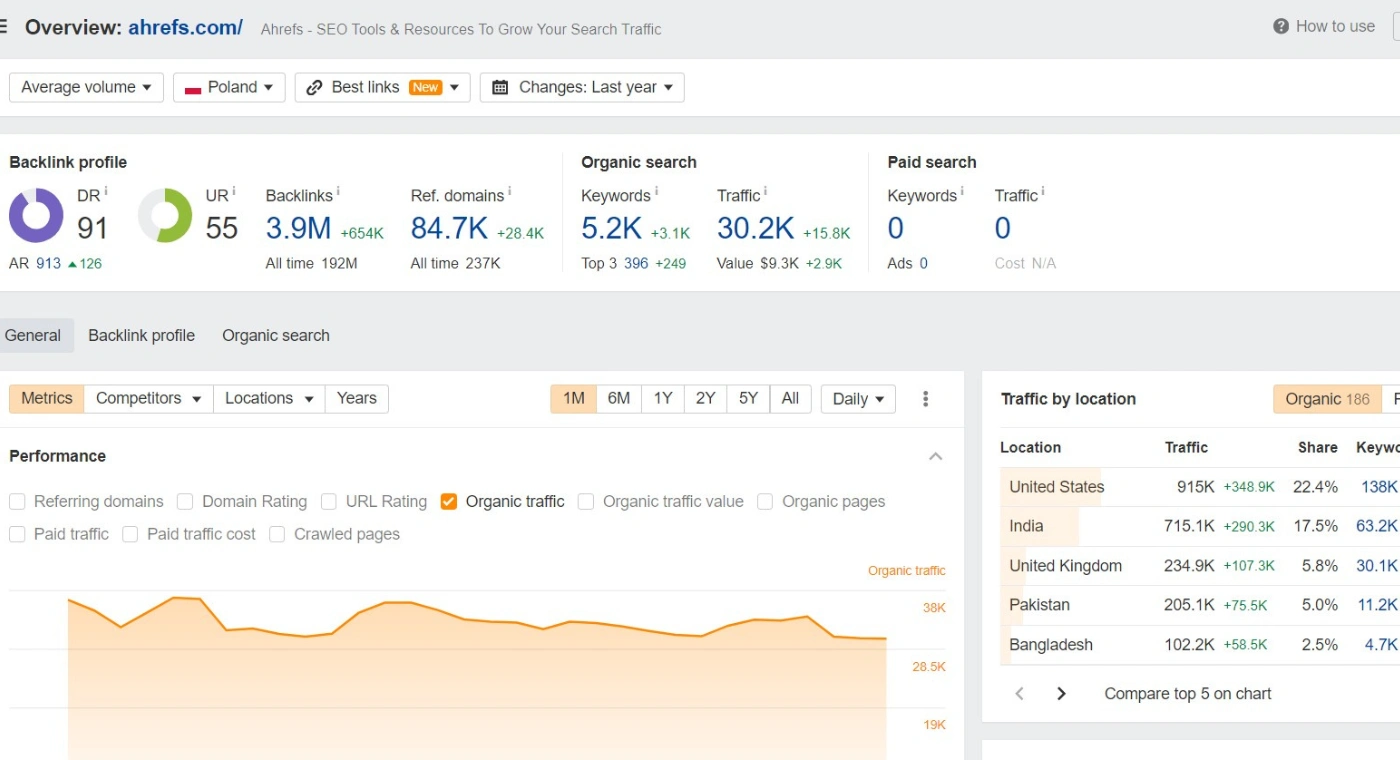
The keyword database is smaller than Ahrefs or SEMrush, which limits long-tail keyword discovery. Rank tracking updates less frequently than competing platforms, which matters when you are monitoring fast-moving keyword positions. The backlink index refreshes more slowly, so recently acquired or lost links can take time to appear. Advanced users running large-scale campaigns will quickly find the platform limiting.
7 Is Moz SEO Tool Worth It for Beginners and Small Business Owners
Here is my straightforward answer after years of working with multiple SEO platforms.
If you are starting your first website, building a personal brand blog, or managing SEO for a small business with a limited budget, Moz is a genuinely solid choice for the first twelve months.
The 30-day free trial gives you enough time to run a full site audit, explore your keyword opportunities, analyse your top competitors, and understand your current Domain Authority. That alone is worth more than a month of guesswork.
The MozBar is worth installing regardless of whether you subscribe to Moz Pro. It is the fastest way to do on-the-spot competitor research while browsing.
Where Moz becomes less competitive is when you are managing a website with hundreds of articles, running link building campaigns at scale, or doing deep technical audits across large sites. At that point, tools with larger databases and more frequent data updates become necessary.
For SEOWithRoman.com audience of US and UK small business owners and beginner bloggers, Moz sits in a sweet spot. It is accessible enough to learn quickly, free enough to start with MozBar and the free Keyword Explorer, and affordable enough on the Starter plan to justify the investment once your site begins generating traffic.
8 Conclusion
The Moz SEO tool has been shaping how the world understands search engine optimisation for over twenty years. It is not the most powerful tool in the market and it is not trying to be. What it does is make professional SEO accessible to people who are not developers, not data scientists, and not full-time SEO specialists.
For a beginner ready to take their website's Google rankings seriously, Moz provides everything you need to start: keyword research, competitor analysis, on-page guidance, technical auditing, and the most widely used domain authority metric in the industry.
Start with MozBar for free. Use the free Keyword Explorer to validate your first ten article topics. Then decide whether the Starter plan at $49 per month makes sense for your budget and goals.
The 30-day free trial removes all risk from that decision. Try it before you decide.
Have a question about the Moz SEO tool or how to use it for your specific website?
Leave a comment below and I will answer it personally.
Join 1,000+ business owners and bloggers who get one actionable SEO tip every week — straight to their inbox. Free forever.
Get Free Weekly Tips →