- Google Translate is a powerful starting point for SEO localization but publishing raw translations without review will hurt your rankings
- SEO localization goes beyond translation and requires adapting keywords, metadata, URLs, and cultural context for each target market
- Google does not penalise translated content but it does penalise low quality, thin, or unhelpful content regardless of the language
- Hreflang tags are essential for multilingual websites and Google Translate does not set these up for you automatically
- The 80/20 rule in SEO applies to localization too: focus on translating and optimising your top 20% of traffic-driving pages first
1 What Is Google Translate and Why Millions of Website Owners Use It for SEO
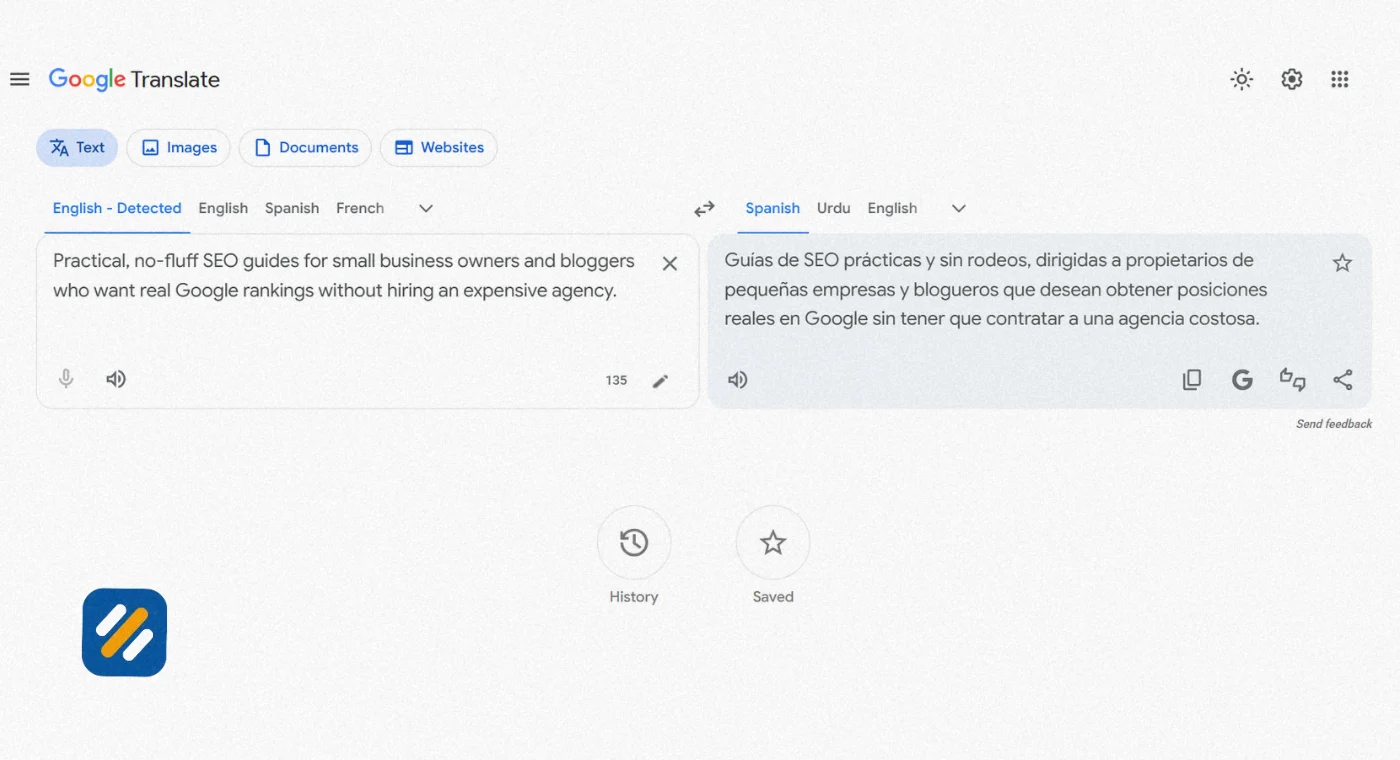
Google Translate is Google’s free machine translation service that converts text, documents, and entire webpages between over 130 languages instantly. It processes more than 100 billion words per day across languages ranging from English to Spanish, Japanese to Korean, Arabic to Hindi, and hundreds more in between.
For website owners trying to reach international audiences, Google Translate feels like an obvious starting point. It is free. It is fast. It supports translation from English to Spanish, English to Chinese, Italian to English, Korean to English, Arabic to English, and virtually every language combination a global business could need.
But here is what most beginners do not realise. Using Google Translate to understand content and using it to publish content for SEO are two completely different things with two completely different outcomes.
In many years of working on international SEO campaigns for clients targeting US, UK, and global markets, I have seen both sides of this. Google Translate used strategically as part of a real localization workflow is genuinely powerful. Google Translate used as a shortcut to publish raw translated pages at scale is a fast path to ranking problems.
This guide covers exactly how to use it the right way
2 What Is SEO Localization and How Is It Different From Simple Translation
Before we dive into how Google Translate fits into your SEO strategy, you need to understand what SEO localization actually means because most beginners confuse it with translation and they are not the same thing.
Translation converts words from one language to another. You give it an English sentence and it gives you back a Spanish sentence. That is the full scope of what translation does.
SEO localization adapts your entire page so it works in the target market. This includes the words, but it also includes:
- Keyword research in the target language because people in Mexico and people in Spain search differently even for the same product
- Title tags and meta descriptions rewritten for local search intent, not just translated word for word
- URL slugs changed to reflect how local users search, for example /seo-basico/ instead of a direct Spanish translation of your English URL
- Hreflang tags added so Google shows the correct language version to the correct audience
- Cultural references, examples, currencies, and date formats adapted for the local reader
- Internal links updated to point to other localised pages rather than English pages
The simplest way to understand the difference is this. Translation is a language task. SEO localization is a publishing task that includes language as one component.
3 How Google Translate Actually Works | The Technology Behind the Translation
Understanding how Google Translate works technically helps you make better decisions about when to use it and when to go further.
Google Translate uses a technology called Neural Machine Translation (NMT). Unlike older word-by-word translation systems, NMT processes entire sentences as context and predicts the most statistically likely translation based on patterns learned from billions of text examples across the internet.
In 2024 Google announced its largest ever language expansion for Translate, adding 110 new languages and extending support to hundreds of millions of additional speakers. Languages including Cantonese, Punjabi (Shahmukhi), and dozens of African languages were added in this update.
For common language pairs like English to Spanish, Spanish to English, English to Chinese, Japanese to English, and Italian to English, accuracy has improved dramatically. For these high-resource language pairs the output is often grammatically correct and readable.
Where Google Translate still struggles is with
- Industry-specific terminology that does not have a direct translation equivalent
- Cultural idioms and expressions that mean something different when translated literally
- Brand voice and tone consistency across a large content library
- Search intent matching, because the most popular search term in one country is rarely a direct translation of the English equivalent
This is why a Spanish to English translation of a competitor article might read perfectly fine to a native English speaker while the Spanish version of your article reads slightly off to a native Spanish speaker.
4 Google Translate vs Proper SEO Localization | What the Difference Looks Like in Practice
| Factor | Google Translate Only | Full SEO Localization |
|---|---|---|
| Speed | Instant | Takes time per page |
| Cost | Free | Requires tools or human review |
| Keyword accuracy | Literal translation, may miss local search terms | Uses actual local keyword research |
| Metadata quality | Rough draft, needs editing | Fully optimised for local search intent |
| URL structure | Not handled | Localised slug created for each page |
| Hreflang tags | Not added | Implemented correctly in site code |
| Cultural relevance | Often misses local context | Adapted for local audience |
| Brand voice | Can sound robotic or unnatural | Consistent with brand tone |
| Google ranking potential | Low without post-editing | Strong when done correctly |
| Risk of thin content penalty | Higher if published without review | Lower with proper editorial process |
The conclusion from this table is not that Google Translate is useless. It is that Google Translate is the beginning of a localization workflow, not the end of one.
5 What Are the Top 5 SEO Localization Strategies That Actually Work
After working on international SEO across B2B, ecommerce, and service websites, these are the five strategies that consistently produce real multilingual organic traffic growth:
Strategy 1: Keyword Research in the Target Language First
Never translate an English keyword and assume it is what people in another country search for. Go to Google Keyword Planner or Ahrefs and research search volume in the target country for the translated phrase and its local alternatives. The highest volume keyword in Germany for a topic you rank for in the US may be a completely different phrase than a direct translation.
Strategy 2: Separate URLs for Each Language Version
Google’s own international SEO documentation recommends separate crawlable URLs for each language version of your content. This means yoursite.com/es/seo-basico/ rather than using Google Translate’s website widget which translates on the fly without creating indexable URLs. Content translated by a widget cannot be indexed by Google and cannot rank.
Strategy 3: Implement Hreflang Tags Correctly
Hreflang is the HTML attribute that tells Google which language version of a page to show to which user. Without it Google may show your English page to Spanish speakers or your Spanish page to Mexican users instead of Spanish users even if you have both. Getting hreflang right is one of the highest-impact technical fixes on any multilingual website.
Strategy 4: Localise Metadata Separately From Body Content
Your title tag and meta description are the first things a local searcher sees in Google results. A directly translated title tag often becomes too long, too vague, or grammatically awkward in the target language. Write these separately with the local keyword and local click psychology in mind, not as a translation of your English version.
Strategy 5: Start With Your Highest Traffic Pages
Apply the 80/20 principle here. Identify which 20% of your English pages drive 80% of your organic traffic using Google Search Console. Localise those pages first before anything else. One well-localised high-traffic page will outperform twenty poorly localised low-traffic pages every single time.
6 Is SEO Dead Now With AI? What Google Translate and AI Tools Mean for Your Rankings
This is the question everyone is asking in 2026. And the honest answer is no, SEO is not dead. But it has changed significantly, and understanding that change matters especially for multilingual SEO.
Here is what has actually changed. Google’s AI Overviews and other AI search features are now surfacing direct answers at the top of many search results pages. For some simple informational queries, the traditional blue link results are appearing lower down the page.
However, the traffic to websites from organic search has not disappeared. What has changed is which types of content get surfaced. Content that is comprehensive, authoritative, well-structured, and genuinely helpful is being rewarded even more than before because AI systems need high-quality source material to generate their summaries.
For multilingual SEO specifically, AI has actually created new opportunities. AI translation tools used as part of a proper localization workflow make it faster and more affordable than ever to produce quality content in multiple languages. The businesses that are winning in international search right now are the ones using AI tools intelligently within a real editorial and SEO process, not replacing that process with raw machine output.
The death of SEO narrative gets louder every year. It has been wrong every time. What changes is the tactics. What stays the same is the principle: help real people find genuinely useful answers and Google will reward you for it in whatever language they are searching in.
7 The 80/20 Rule in SEO Localization | How to Prioritise What You Translate First
The 80/20 rule, also called the Pareto Principle, states that 80% of your results come from 20% of your efforts. In SEO, this principle is more consistently true than almost anywhere else in marketing.
For SEO localization specifically, the 80/20 rule works like this
20% of your pages drive 80% of your organic traffic. Translating and properly localising those pages produces 80% of your potential international traffic gain. Spending equal time on every page across your site is how translation projects run out of budget before producing any measurable results.
Here is how to apply the 80/20 rule to your localization plan in practice
Step 1: Open Google Search Console and pull your top pages by organic clicks for the last 90 days. Export the list.
Step 2: Identify the top 20% of pages by traffic. For most websites this will be between 5 and 20 pages.
Step 3: Check whether those pages target keywords that have meaningful search volume in your target language and country using Google Keyword Planner.
Step 4: Localise those pages fully. Proper keyword research, localised title tag, localised meta description, localised URL slug, hreflang implementation, and a post-edited translation reviewed for cultural accuracy.
Step 5: Publish, monitor in GSC, and move to the next tier of pages once you have data showing the first batch is ranking and driving traffic.
This approach consistently outperforms the alternative of translating every page at once with lower quality across the board.

8 How to Add Google Translate Widget to Your Website and What It Means for SEO
Many website owners add the Google Translate widget to their site thinking it will help international visitors. It does help visitors read your content in their language. But there are important SEO implications you need to understand before adding it.
The Google Translate website widget translates your content on the fly in the user’s browser. This means the translated version of your page does not have its own URL, does not get crawled by Googlebot, and cannot be indexed in Google’s search results.
So if someone in Spain searches in Spanish for something your widget-translated page covers, that Spanish version will not appear in their Google results because Google has never seen it. The widget only helps visitors who already found your site in English.
This is the critical distinction between using the Google Translate widget and creating properly localised pages with their own URLs. One helps existing visitors read your content. The other creates new opportunities to rank in foreign language search results and reach entirely new audiences.
For websites where the goal is purely to accommodate existing international visitors who already found you, the widget is a reasonable free solution. For websites where the goal is to rank in foreign language Google results and grow international organic traffic, the widget is not sufficient and properly localised indexed pages are necessary.
9 Step by Step Guide to Using Google Translate Correctly for SEO Localization
Here is the exact process for using Google Translate as part of a real SEO localization workflow rather than as a shortcut that produces poor results
Step 1: Identify your target language and country. These are not always the same. Spanish is spoken in Spain, Mexico, Argentina, Colombia, and many more countries. Each has different search behaviour and keyword preferences. Decide which specific market you are targeting before starting.
Step 2: Research the target language keyword first. Do not start with your English keyword. Go to Ahrefs or Google Keyword Planner, set the country to your target market, and search for keyword ideas in the local language. Find what local searchers actually type, not what a direct translation produces.
Step 3: Use Google Translate to produce a first draft. Paste your English content into Google Translate and get the translated output. This is your starting point, not your finished product.
Step 4: Post-edit the translation with your target keyword in mind. Reread the translated content and make the following changes. Replace the literally translated keyword phrase with the actual local search term you identified in Step 2. Fix any sentences that read awkwardly or sound unnatural. Replace English-specific examples with local equivalents where relevant.
Step 5: Rewrite the title tag and meta description separately. Do not use the translated versions of these. Write them fresh in the target language using the local keyword and a value proposition that resonates with the local audience.
Step 6: Create a localised URL. Give the page its own URL with a localised slug. For example /es/ for Spanish or /de/ for German as a subdirectory, with a URL slug that reflects the local keyword.
Step 7: Implement hreflang tags. Add the appropriate hreflang attribute to both the English original and the localised version so Google understands the relationship between them.
Step 8: Have a native speaker review the final page. This does not need to be expensive. A single review pass by a native speaker catches the unnatural phrases and cultural mismatches that Google Translate consistently produces in its first draft.
10 Google Translate for Specific Language Pairs | What to Expect
| Language Pair | Google Translate Accuracy | Post-Editing Required | SEO Localization Complexity |
|---|---|---|---|
| English to Spanish | High | Light | Medium, varies by Spanish-speaking country |
| Spanish to English | High | Light | Low for comprehension, medium for publishing |
| English to Chinese | Medium | Significant | High, simplified vs traditional characters matter |
| Japanese to English | Medium | Moderate | Medium, honorifics and formality levels vary |
| English to Korean | Medium | Moderate | Medium, formal and informal registers differ |
| Korean to English | Medium | Moderate | Low for comprehension |
| Arabic to English | Medium | Moderate | Medium, right to left formatting needs attention |
| English to Italian | High | Light | Low, close to English sentence structure |
| Italian to English | High | Light | Low |
| English to Russian | Medium | Significant | Medium, Cyrillic URL encoding needs attention |
| English to Hindi | Medium | Significant | High, Devanagari script and regional variations |
| English to Tagalog | Medium | Significant | High, Filipino internet culture differs significantly |
The language pairs where Google Translate performs best and requires the least post-editing are the European language pairs with the most training data: English to Spanish, English to Italian, English to French, and English to Portuguese. These are also the pairs with the largest number of internet users and the highest potential SEO traffic for most international campaigns.
11 3 Expert Tips for Using Google Translate in Your SEO Localization Strategy
Tip 1: Always Translate the Search Intent, Not Just the Words
Before publishing any Google Translate output, search the target keyword in the local language Google version for your target country, for example google.es for Spain or google.com.mx for Mexico. Look at what types of pages are ranking. Are they guides, product pages, comparison articles, or definitions? If your translated page is a guide but the local SERP shows product pages ranking for that keyword, your content format does not match the local search intent regardless of how good the translation is.
Tip 2: Use Google Translate for Competitor Research Before You Start Writing
One of the most underused applications of Google Translate for SEO is competitive research in foreign language markets. Before creating any localised content, use Google Translate to read the top three ranking pages in your target language. Understand what they cover, what angles they take, and what questions they answer. This research takes 30 minutes and will make your localised content significantly more competitive than starting from a translated English article alone.
Tip 3: Never Let the Widget Replace Indexed Pages for Traffic Goals
If your goal is international organic traffic, the Google Translate website widget cannot achieve it. Every month you rely on the widget instead of creating proper localised indexed pages is a month of potential international search traffic you are not capturing. Use the widget for user experience if you want, but run a parallel project creating indexed localised pages for your highest-value content. These two things serve different goals and should not be confused with each other.
12 Conclusion
Google Translate is one of the most powerful free tools available to any website owner thinking about international SEO. But like every tool, its value depends entirely on how you use it.
Used correctly, as a first draft generator that feeds into a proper localization workflow with keyword research, metadata editing, hreflang implementation, and native review, it makes multilingual SEO accessible to individual bloggers and small businesses who could never otherwise afford professional translation at scale.
Used incorrectly, as a shortcut to publish raw translated content without any post-editing or SEO work, it produces pages that confuse Google, frustrate local readers, and generate no international rankings despite real time investment.
The translation from English to Spanish, English to Chinese, Japanese to English, or any other language pair is just the starting point. The SEO localization work that follows is what determines whether that translated page actually reaches and helps the audience it was created for.
Start with your top performing pages. Research the local keywords. Post-edit the translation with real keyword data. Implement hreflang. Have a native speaker review the final version. Publish. Monitor.
Do that consistently and Google Translate becomes one of the most cost-effective tools in your entire SEO workflow.
Have a question about using Google Translate for SEO in a specific language? Drop a comment below and I will answer it personally.
Join 1,000+ business owners and bloggers who get one actionable SEO tip every week — straight to their inbox. Free forever.
Get Free Weekly Tips →