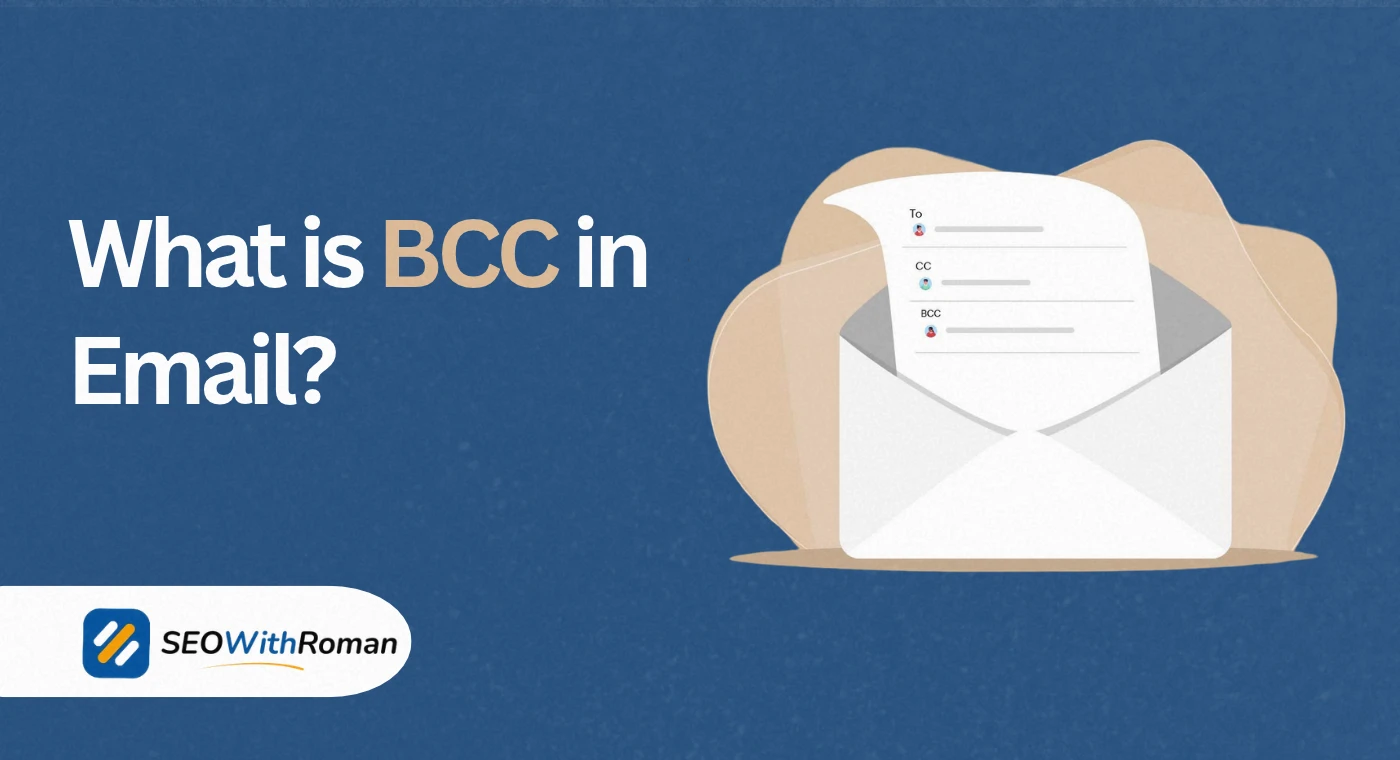
- BCC stands for Blind Carbon Copy and hides recipient email addresses from everyone else on the email
- BCC recipients cannot see each other, and primary recipients cannot see who was BCC’d
- Use BCC when sending mass emails, protecting client privacy, or discreetly keeping someone in the loop
- CC shows all recipients openly while BCC keeps them completely hidden
- In email marketing, BCC is not a substitute for a proper email marketing platform but it has specific legitimate uses
1 What is BCC in Email?
If you have ever sent an email to a large group of people and worried about exposing everyone’s email address to strangers, BCC is the feature that solves that problem.
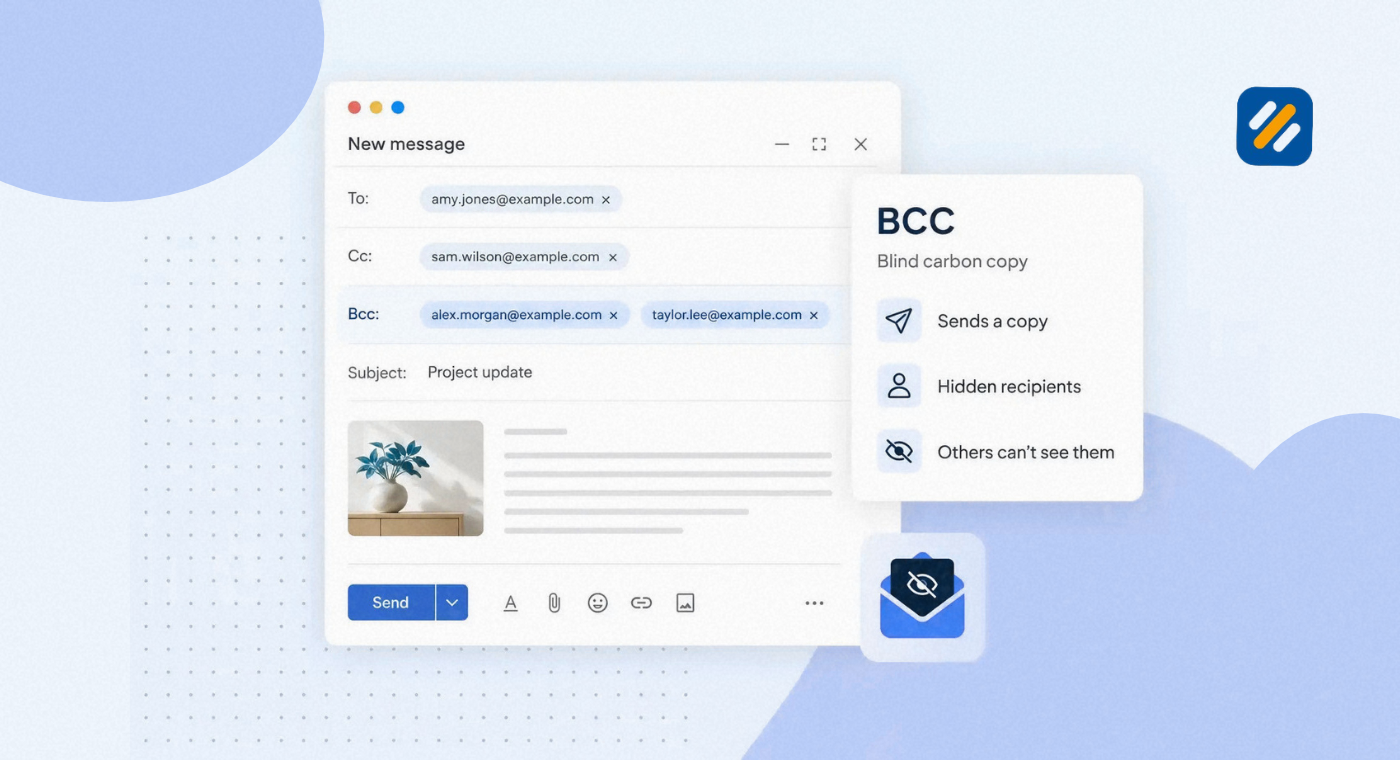
BCC stands for Blind Carbon Copy. It is a field in your email compose window that lets you add recipients to an email without anyone else knowing they received it. The person in the To field cannot see who was BCC’d. The person CC’d cannot see it either. Even other BCC recipients cannot see each other.
The term comes from the era of physical carbon copy paper. When you placed a carbon sheet between two pages and wrote on the top one, it copied your writing to the bottom sheet. A blind carbon copy meant the original recipient did not know a copy was being made.
Today, BCC works exactly the same way but in digital form. You send one email and multiple people receive it, but only you as the sender know the full list of who got it.
In six years of working in digital marketing and email outreach, BCC is one of those features that gets misunderstood constantly. People either overuse it in ways that create trust issues, or avoid it entirely and accidentally expose hundreds of client email addresses in a single send. Understanding it properly makes your email communication sharper, more professional, and more respectful of your recipients’ privacy.
2 What Does CC Mean in Email | And How Is It Different From BCC
To fully understand BCC, you need to understand CC first because the two are always used together and often confused.
CC stands for Carbon Copy. When you CC someone on an email, they receive a full copy of the message and their email address is visible to everyone else on the email including the main recipient in the To field and anyone else who was CC’d.
CC is used when you want everyone on the email to know that a specific person is included. It is transparent by design.
BCC is the opposite. When you BCC someone, they receive the same email but their address is completely hidden from all other recipients. Nobody on the To line, nobody in the CC field, and nobody else in the BCC field can see that this person received the email.
Here is a real example to make this crystal clear:
You are sending a project update email to a client. You CC your project manager so the client knows they are involved. You BCC your company director so they can monitor the communication without the client knowing they are watching the thread.
The client sees: their own address in the To field, and your project manager in the CC field.
The project manager sees: the same thing.
The director sees: the full email but their own name does not appear anywhere the others can see.
| Field | Visible To Recipients | Purpose | Best Used For |
|---|---|---|---|
| To | Everyone on the email | Primary recipient | The main person you are writing to |
| CC | Everyone on the email | Open copy | Keeping someone informed transparently |
| BCC | Only the sender | Hidden copy | Privacy, mass emails, discreet monitoring |
| Reply All (CC) | Sends to all CC’d | Group response | Active group conversations |
| Reply to BCC | Goes to sender only | Private response | BCC recipient replies privately |
3 Why Would You Use BCC in an Email | 6 Real Situations
BCC is not just for hiding things. When used correctly it is a professional tool for managing communication at scale while respecting people’s privacy. Here are the six most common situations where BCC is the right choice:
Sending emails to a large group who do not know each other. If you are emailing 50 clients, suppliers, or contacts about a company update, putting all of them in the To or CC field exposes every person’s email address to 49 strangers. BCC keeps each recipient’s information private and prevents your contact list from leaking.
Preventing reply all disasters. When you send a group email with everyone in the To or CC field, one person clicking Reply All sends their response to the entire group. BCC eliminates this risk completely because BCC recipients can only reply to the sender.
Keeping a manager or supervisor in the loop discreetly. This is common in client-facing roles. You send a client communication and BCC your line manager so they can monitor the exchange without the client feeling watched or supervised.
Transitioning someone out of an email thread gracefully. When an email thread has been going back and forth and you want to remove someone from future replies while keeping them informed of one final update, you move them to BCC and mention in the email body that you are doing so. This is considered professional best practice.
Sending your own email to yourself as a record. Some email users BCC their own address or a secondary account to create a copy in a different inbox as a manual record of sent communications.
Initial outreach to multiple prospects in sales. When a sales or business development professional is reaching out to multiple prospects at once, BCC keeps each recipient feeling like they received a personal email rather than a mass message.
4 Do BCC Recipients See Each Other | The Answer Most People Get Wrong
No. BCC recipients cannot see each other under any circumstances.
This is the most commonly misunderstood fact about how BCC works. When you add five people to the BCC field of a single email, each of those five people receives the email individually. None of them can see the others in the BCC field. None of them know how many other people were BCC’d or who those people are.
From the perspective of a BCC recipient, the email looks as if it was sent only to the people visible in the To and CC fields. The BCC field is completely invisible to them.
However, there is one important thing BCC recipients do know: they know they were BCC’d. Their email client shows them the BCC label next to their own name in the email header. So they are aware they received a blind copy, they just cannot see who else received one.
What happens when a BCC recipient replies:
- If they hit Reply, their response goes only to the original sender
- If they hit Reply All, their response still goes only to the original sender and the people visible in the To and CC fields
- Their reply does not go to other BCC recipients
- The main recipient in the To field never sees that reply unless the sender forwards it
This is an important privacy protection. BCC is designed so that blind copy recipients stay invisible throughout the entire email thread, not just on the original send.
5 Should I CC or BCC | How to Make the Right Choice Every Time
The decision between CC and BCC comes down to one question: should the other recipients know this person is included?
If the answer is yes, use CC.
If the answer is no, use BCC.
But there are more nuanced situations worth understanding:
Use CC when:
- You want the main recipient to know who else is reading the email
- You are looping in a colleague and transparency is important
- You are sending meeting notes or updates to a known team
- You need everyone on the thread to be able to respond to each other
Use BCC when:
- You are sending to a large group of unconnected recipients
- You want to protect people’s email addresses from each other
- You are discreetly keeping a supervisor informed
- You are sending a newsletter or announcement that does not need group replies
- You want to avoid reply all chains that clog everyone’s inbox
The one situation where neither CC nor BCC is the right tool:
If you are sending regular marketing emails to a subscriber list, neither CC nor BCC is the professional solution. Email marketing platforms like Mailchimp, Campaign Monitor, or Klaviyo are built specifically for this purpose. They handle unsubscribe requests, track open rates, manage bounce rates, and keep you legally compliant with GDPR and CAN-SPAM regulations. Using BCC for email marketing at scale creates deliverability problems and legal risks that a proper platform eliminates entirely.
6 BCC in Email Marketing and Digital Marketing | What You Need to Know
BCC has a specific but limited role in professional email marketing and digital marketing. Understanding where it fits and where it does not is important for anyone running campaigns or managing client communications.
In traditional email marketing, BCC is not used for campaign sends. Every professional email marketing platform sends individual personalised emails to each subscriber using its own delivery infrastructure. The subscriber receives an email addressed to them specifically, not a BCC of a group email.
However, BCC is relevant in digital marketing contexts in several ways:
Sales outreach sequences: When a sales professional sends personalised outreach emails to prospects one by one, they may BCC a CRM inbox or a tracking address so the email is automatically logged in their customer relationship management system without manual entry.
Client reporting emails: A digital marketing agency sending campaign performance reports to a client contact may BCC an internal account manager so they have a record of exactly what was communicated to the client.
Partnership and PR outreach; When reaching out to journalists, bloggers, or potential partners for link building or PR purposes, some outreach professionals BCC a tracking address to monitor replies and manage follow-up sequences.
Internal compliance: Companies in regulated industries such as finance or healthcare often BCC a compliance email address on external communications so there is an auditable record of everything sent on behalf of the business.
| Email Marketing Use Case | Use BCC | Use Platform Instead |
|---|---|---|
| Sending to 5 or fewer known contacts | Yes | No |
| Sending to a subscriber list of any size | No | Yes |
| Logging emails in a CRM automatically | Yes | Depends on CRM |
| Personalised sales outreach at scale | No | Use sales email tool |
| Internal team updates | Yes | No |
| Promotional campaigns with tracking | No | Yes |
| Client communication records | Yes | No |
7 How to Add BCC in Gmail, Outlook, and Apple Mail
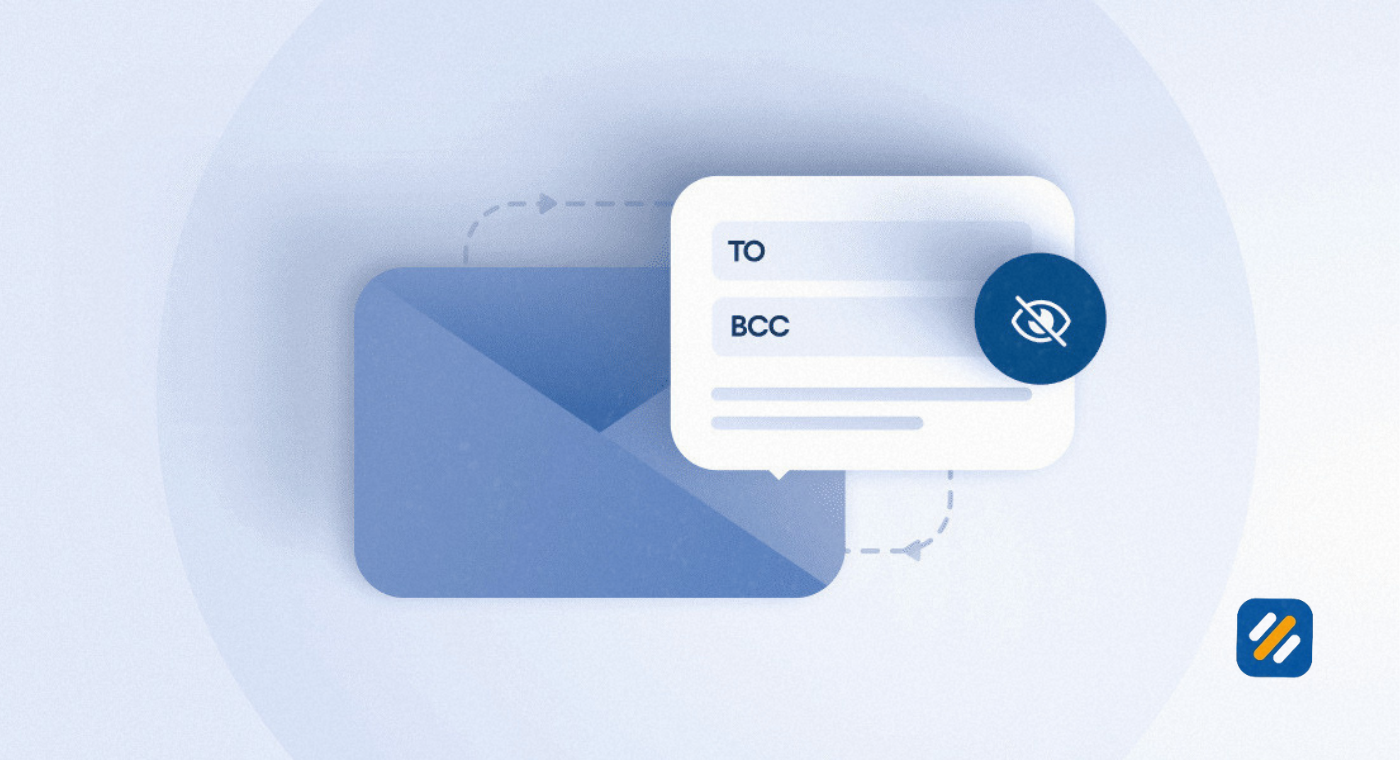
Adding BCC to an email is straightforward in every major email client. Here is how to do it in the three most widely used platforms:
Gmail
Open Gmail and click Compose. In the new email window, look for the BCC link in the top right corner of the compose box next to the CC field. Click BCC and a new field appears below the CC line. Type your BCC recipients’ email addresses into this field. Write and send your email as normal.
Microsoft Outlook
Open Outlook and click New Email. The BCC field is not visible by default in Outlook. Go to the Options tab in the email compose ribbon and click BCC. This adds the BCC field to your compose window and it stays visible for all future emails in that session. Type your BCC addresses into the field and send as usual.
Apple Mail
Open Apple Mail and click the compose button to start a new message. Go to View in the top menu bar and select BCC Address Field from the dropdown. The BCC field now appears in your compose window. Type your BCC recipients and send your email.
8 3 Expert Tips for Using BCC Professionally
Tip 1: Always tell the main recipient when you are moving someone to BCC
If you are transitioning a colleague out of an active email thread by moving them to BCC, mention it openly in the email body. Write something like “Moving John to BCC to keep him informed going forward.” This prevents confusion and maintains trust with everyone on the thread.
Tip 2: Never use BCC to secretly monitor someone without their knowledge in sensitive situations
Using BCC to loop in a third party during a sensitive negotiation or disciplinary communication without disclosure can create serious trust and legal issues depending on your jurisdiction. When in doubt, be transparent about who is reading the email.
Tip 3: Use a dedicated email alias as your BCC address for CRM logging
Instead of BCC’ing your personal inbox for record keeping, set up a dedicated email alias that automatically forwards to your CRM or archives in a shared team folder. This keeps your inbox clean and creates a systematic audit trail without any manual effort.
9 Conclusion
BCC is one of the most useful and most misused features in everyday email communication. Used correctly, it protects your recipients’ privacy, keeps your inbox free of reply all chains, and lets you manage professional communications with the discretion and control that good email etiquette requires.
The rule is simple. If you want transparency, use CC. If you need privacy or are sending to a group of unconnected recipients, use BCC. And if you are running email marketing campaigns at any meaningful scale, use a proper email marketing platform built for the job.
Understanding BCC properly puts you ahead of most people who use email every day without ever questioning whether they are using it correctly.
Have a question about BCC or email communication best practices? Drop a comment below and I will answer it personally.
Join 1,000+ business owners and bloggers who get one actionable SEO tip every week — straight to their inbox. Free forever.
Get Free Weekly Tips →